How to Change Crosshair in Minecraft Bedrock (2026 Guide)
 mcpecentraladmin
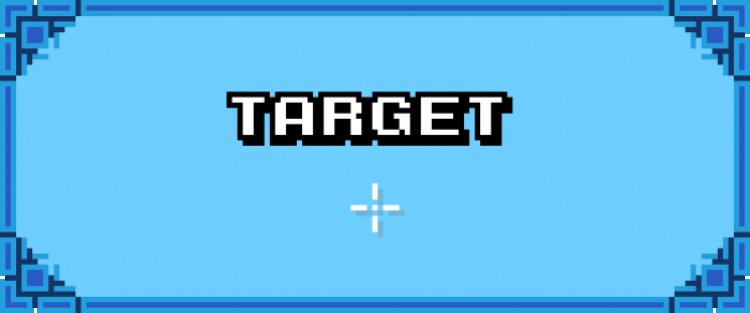
If you’re playing Minecraft Bedrock Edition and want better aim, improved visibility, or a more personalized HUD, changing your crosshair is one of the best small upgrades you can make. While Minecraft Bedrock does not include a built-in crosshair customization setting, you can change your crosshair easily by using texture packs (resource packs).
This guide will walk you through how to change your crosshair in Minecraft Bedrock, explain why texture packs are required, and provide a step-by-step installation guide.
Can You Change the Crosshair in Minecraft Bedrock?
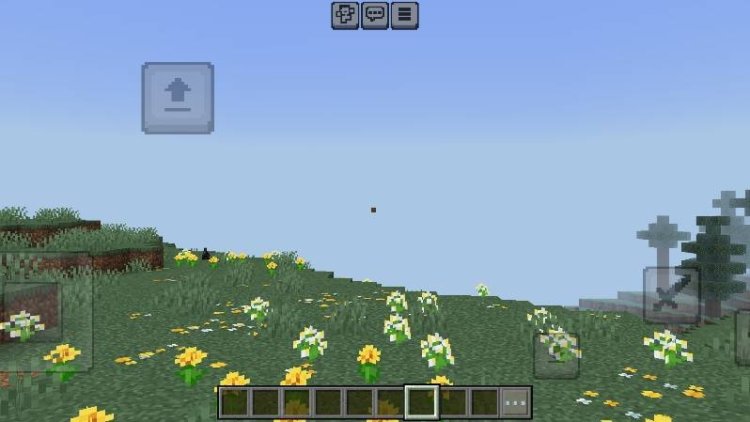
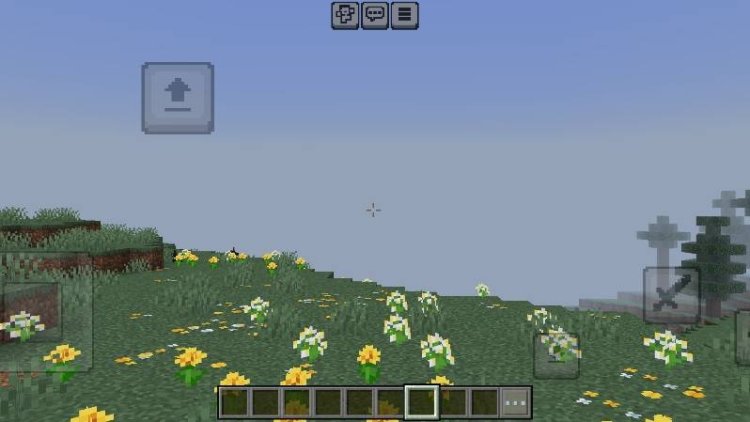
Minecraft Bedrock Edition does not allow crosshair changes through the default settings menu. However, Bedrock supports resource packs, which can modify UI elements like the crosshair.
By downloading and applying a crosshair texture pack, you can:
-
Replace the default plus-style crosshair
-
Use dots, circles, lines, or PvP-style reticles
-
Improve accuracy in PvP and minigames
-
Customize your Minecraft experience
Best Texture Packs to Change Crosshair in Minecraft Bedrock
Below are two highly recommended texture packs that work specifically for changing crosshairs in Minecraft Bedrock Edition.
PVP Crosshairs Pack
Download: https://mcpedl.com/pvp-crosshairs/
This pack offers multiple PvP-focused crosshair designs optimized for combat, including clean dots and minimal reticles that improve aim consistency.
Crosshair Bundle Pack
Download: https://mcpedl.com/crosshair-bundle-pack/
This bundle includes a wide variety of crosshair styles, making it ideal for players who want options for PvP, survival, or building.
Step-by-Step Guide: How to Download Texture Packs in Minecraft Bedrock
Follow these steps to safely download and install crosshair texture packs on any Bedrock-supported device.
Step 1: Open Your Web Browser
Use any browser on Windows 10/11, Android, iOS, or tablet.
Step 2: Visit the Texture Pack Page
Click one of the recommended links above to open the MCPEDL download page.
Step 3: Scroll Down and Click Download
On the MCPEDL page, scroll until you see the Download section and click the provided download button or link.
Step 4: Download the .mcpack File
The file will download as a .mcpack, which is the official Minecraft Bedrock resource pack format.
Step 5: Open the File
-
On Windows: Double-click the .mcpack file
-
On Mobile/Tablets: Tap the file after downloading
Minecraft Bedrock will automatically launch and begin importing the texture pack.
Step 6: Wait for Import Confirmation
Once imported, Minecraft will show a message confirming the resource pack was successfully added.
How to Activate the Crosshair Texture Pack
After installing the pack, you still need to enable it.
-
Open Minecraft Bedrock Edition
-
Go to Settings
-
Select Global Resources
-
Under My Packs, find the crosshair texture pack
-
Click Activate
-
Launch a world to see your new crosshair
You can also apply the pack to a specific world by editing that world’s resource pack settings.
Tips for Best Crosshair Experience
-
Keep the crosshair simple for competitive PvP
-
Make sure the crosshair pack is above other UI packs in priority
-
If the crosshair does not change, restart Minecraft and reapply the pack
-
Some servers may override UI elements, so results may vary
Conclusion
Changing your crosshair in Minecraft Bedrock Edition is not possible through settings alone, but texture packs make it simple and effective. By downloading crosshair packs like PVP Crosshairs or the Crosshair Bundle Pack, you can fully customize your aiming reticle and improve gameplay accuracy.
If you play PvP, minigames, or competitive survival, a custom crosshair can give you a real advantage.