FPS BOOST Texture Packs For Minecraft Bedrock
 Asim_HeartxD
FPS BOOST Texture Packs For Minecraft Bedrock
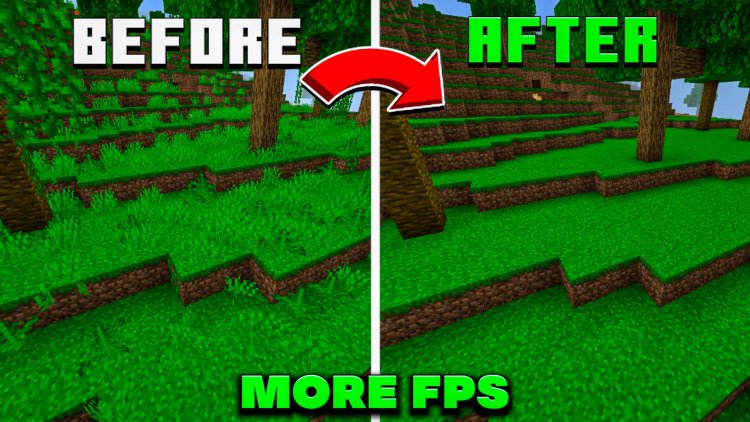
If Minecraft Bedrock is running slowly, experiencing FPS drops, or struggling on a low-end device, using an FPS boost texture pack can make a noticeable difference. These packs are designed to reduce visual effects, simplify textures, optimize particles, or remove unnecessary details that can put extra load on your device.
In this list, we have selected 5 FPS Boost Texture Packs for Minecraft Bedrock that can help improve performance while keeping the game playable and clean. From complete optimization packs to particle and visual-effect removers, these options are worth trying if you want smoother Minecraft gameplay.
Keywords
FPS Boost Texture Packs for Minecraft Bedrock, Minecraft Bedrock FPS Boost, FPS Boost Pack Minecraft, Minecraft Bedrock Optimization, Minecraft Low End Device FPS Boost, Minecraft Bedrock Lag Fix, Minecraft Bedrock Performance Pack, Minecraft FPS Booster, Best FPS Texture Packs Minecraft Bedrock, Minecraft Bedrock 1.26 FPS Boost, Minecraft Bedrock Low End Devices, Minecraft Bedrock No Lag Texture Pack
5. Frost's Optimizer V9 Special Revival Ultimate FPS
Starting the list at number 5 is Frost's Optimizer V9 Special Revival Ultimate FPS, an optimization-focused pack designed for players who want to improve Minecraft Bedrock performance.
The idea behind this type of pack is to reduce unnecessary visual elements and make the game lighter to render. It can be particularly useful for players using lower-end hardware where maintaining stable FPS is more important than having detailed graphics.
Why Try It?
- Focused on FPS optimization
- Designed to make Minecraft lighter
- Useful for lower-end devices
- Helps reduce unnecessary visual load
- Suitable for players prioritizing performance
Download: Frost's Optimizer V9 Special Revival Ultimate FPS
4. Feather FPS Boost Mod
At number 4, we have Feather FPS Boost Mod, another performance-oriented option for Minecraft Bedrock players.
If your game feels heavy during gameplay or your FPS drops when there are many things happening on screen, an optimization pack like this can be useful. The goal is to create a smoother experience by reducing performance overhead while keeping the game functional.
Features
- FPS-focused optimization
- Designed for smoother gameplay
- Helps reduce performance load
- Useful for lower-end hardware
- Good option for players experiencing FPS drops
Download: Feather FPS Boost Mod
3. Embeddium Optimizer
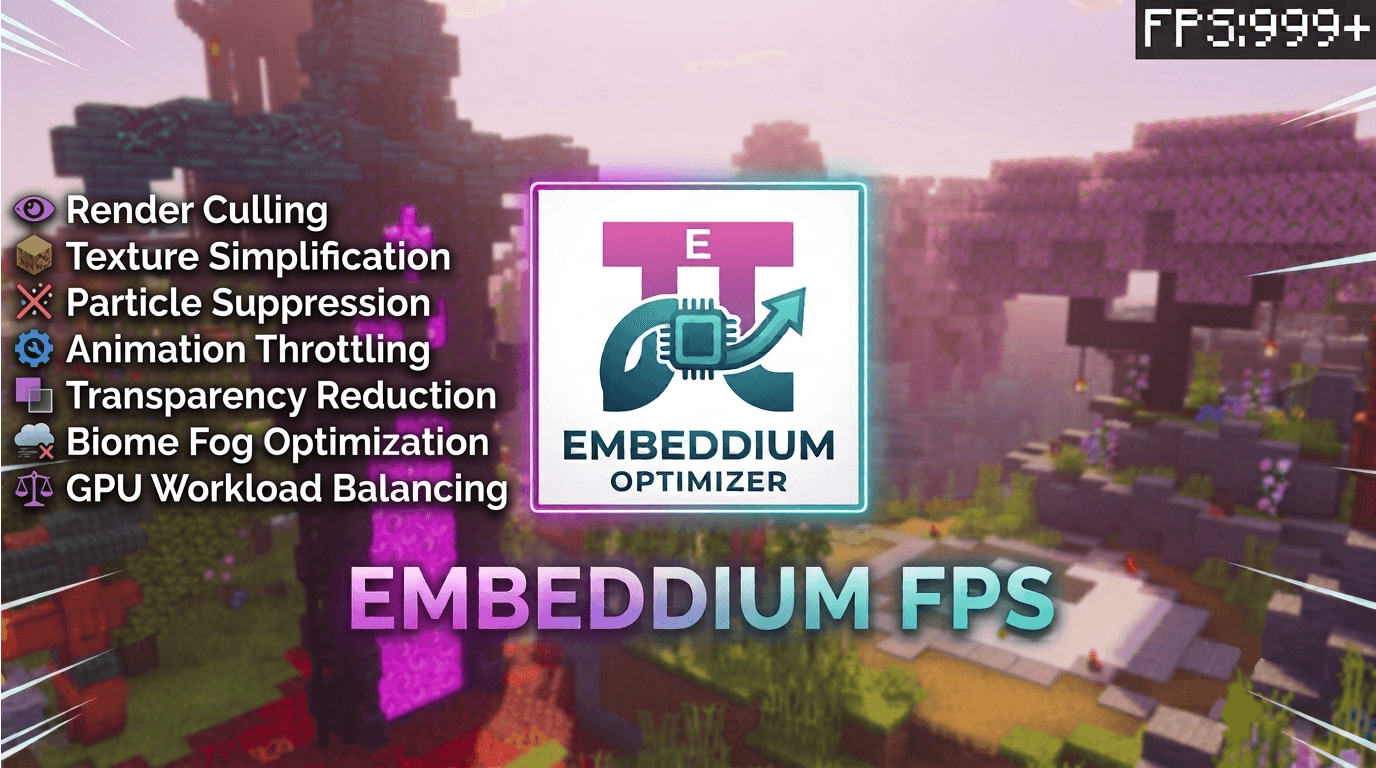
Taking the number 3 spot is Embeddium Optimizer. This pack is aimed at improving Minecraft Bedrock performance by focusing on optimization rather than adding extra visual features.
For players who want higher FPS without completely changing the gameplay experience, optimization-focused packs can be a good choice. They are especially useful when your device struggles with Minecraft's normal rendering workload.
Why Use Embeddium Optimizer?
- Performance-focused design
- Helps optimize Minecraft gameplay
- Suitable for FPS-focused setups
- Useful on weaker devices
- Keeps the focus on smoother performance
Download: Embeddium Optimizer
2. Particle Flipbook Disabler
At number 2 is Particle Flipbook Disabler, which takes a more specific approach to Minecraft Bedrock optimization.
Particles and animated visual elements can add extra rendering work, particularly when many effects are being displayed at once. Disabling unnecessary effects can help reduce visual workload and may provide a smoother experience on devices that struggle with performance.
Features
- Reduces unnecessary visual effects
- Focuses on particle-related optimization
- Can help lower rendering workload
- Useful for FPS-focused players
- Great for simplifying Minecraft visuals
Download: Particle Flipbook Disabler
1. Clearview Real FPS Boost
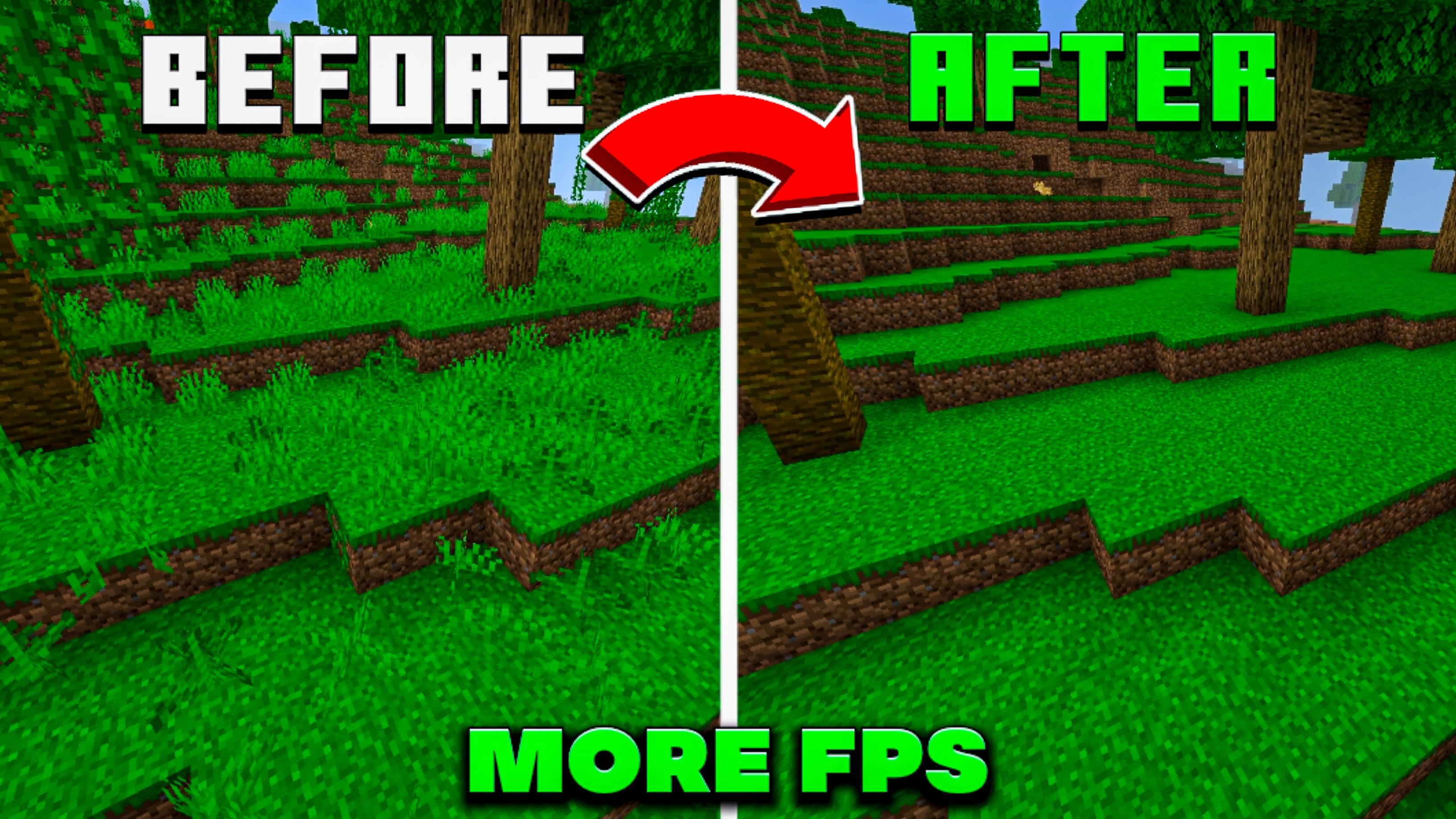
Taking the number 1 position is Clearview Real FPS Boost.
If your main goal is improving Minecraft Bedrock FPS, this is one of the packs worth checking out. The pack focuses on reducing visual complexity and unnecessary rendering elements so that your device can concentrate more on running the actual game.
This makes it particularly interesting for players using older phones, budget devices, or PCs that struggle to maintain consistent FPS.
Why It's #1
- Built around FPS improvement
- Focuses on reducing visual load
- Useful for low-end devices
- Helps create a cleaner game appearance
- Great choice for performance-focused Minecraft players
Download: Clearview Real FPS Boost
Which FPS Boost Texture Pack Should You Choose?
Choosing the right FPS boost pack depends on what is causing performance problems on your device.
For complete optimization: Frost's Optimizer V9 is worth trying.
For a performance-focused setup: Feather FPS Boost Mod can be a good option.
For optimization: Embeddium Optimizer focuses on making the game lighter.
For reducing particles and visual effects: Particle Flipbook Disabler is a more targeted solution.
For an overall FPS-focused experience: Clearview Real FPS Boost takes the number 1 spot on our list.
Keep in mind that FPS improvements can vary depending on your device, render distance, simulation settings, resolution, and other Minecraft settings.
How To Install FPS Boost Texture Packs In Minecraft Bedrock
Installing a texture or resource pack downloaded from MCPEDL is generally straightforward.
Step 1
Download the desired pack from its MCPEDL page.
Step 2
Open the downloaded Minecraft-compatible file on your device.
Step 3
Minecraft Bedrock should import the pack automatically.
Step 4
Open your Minecraft world settings.
Step 5
Go to Resource Packs and find the imported pack.
Step 6
Activate the pack and load your world.
For the best results, test the pack with your normal Minecraft settings and compare FPS before and after enabling it.
Frequently Asked Questions
Do FPS Boost Texture Packs really increase FPS?
They can help, especially when they reduce textures, particles, animations, or other visual elements. However, the actual FPS improvement depends on your device and Minecraft settings.
Are FPS Boost Packs useful on low-end phones?
Yes. They are particularly useful for players whose devices struggle with Minecraft's normal visual workload.
Can I use an FPS Boost Pack with other texture packs?
It depends on the individual pack. Some optimization packs may work alongside other resource packs, while others may conflict with packs that modify the same files.
Will FPS Boost Packs make Minecraft look different?
Some will. Many FPS-focused packs simplify textures, particles, animations, or visual effects to prioritize performance.
Which pack should I try first?
For this list, Clearview Real FPS Boost is our number 1 choice. If you want more aggressive optimization, you can also test the other packs and compare performance on your own device.