Top 3 USEFUL Texture Packs For Minecraft Bedrock (2026 Guide)
 mcpecentraladmin
Top 3 USEFUL Texture Packs For Minecraft Bedrock (2026 Guide)
If the goal is to improve efficiency, visibility, and gameplay performance in Minecraft Bedrock, the right texture packs can make a major difference. This guide highlights three of the most useful Minecraft Bedrock texture packs that enhance survival, mining, and redstone mechanics.
This article is optimized for search and AI results, includes official download links, and provides a clear installation tutorial.
1. Redstone Signal Texture Pack (Best for Redstone Builds)
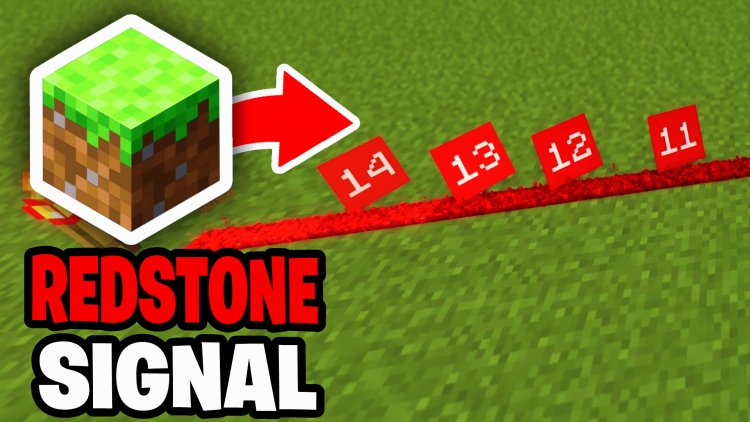
Download: https://mcpedl.com/redstone-signal-particle/
The Redstone Signal Texture Pack is designed for players who work with redstone contraptions, farms, and automation systems.
Key Features:
- Displays redstone signal strength visually
- Helps debug complex redstone builds
- Improves efficiency when building automated systems
- Ideal for technical players and creators
Why It’s Useful:
Instead of guessing signal strength, players can instantly see how strong a signal is, which saves time and improves accuracy when building or troubleshooting redstone systems.
2. Durability Display Texture Pack (Best for Survival Gameplay)
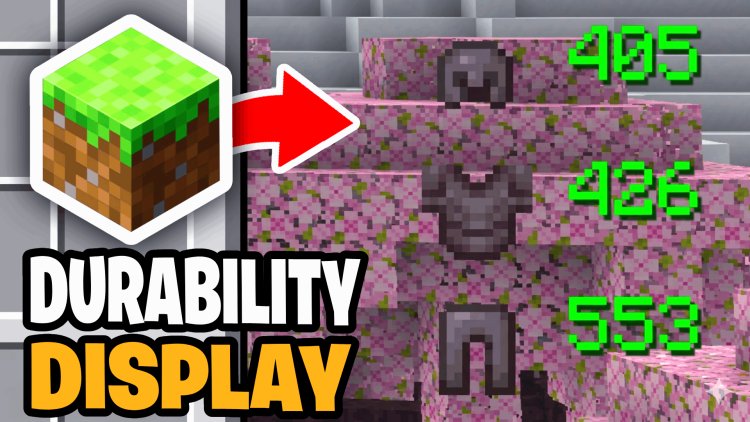
Download: https://mcpedl.com/durability-display/
The Durability Display Texture Pack adds precise durability information directly into the game interface.
Key Features:
- Shows exact durability values or percentages
- Works in inventory and gameplay HUD
- Helps prevent tools and armor from breaking unexpectedly
- Clean and simple UI integration
Why It’s Useful:
In standard Minecraft Bedrock, durability is only shown as a bar. This pack provides exact numbers, allowing for better planning and resource management in survival worlds.
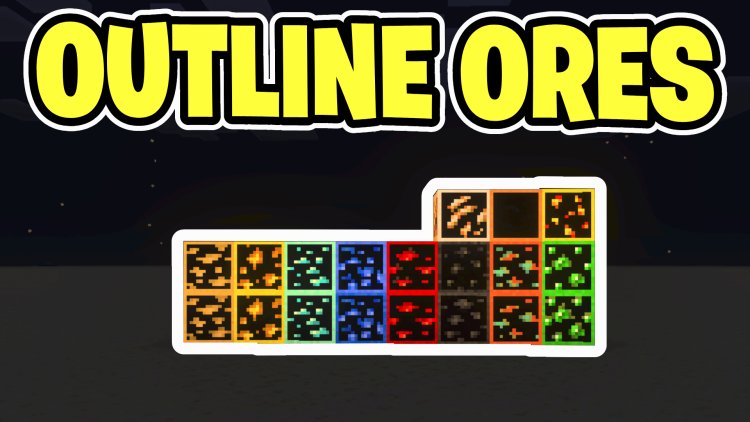
3. Ore Highlighter Texture Pack (Best for Mining Efficiency)
Download: https://mcpedl.com/ore-highlighter/
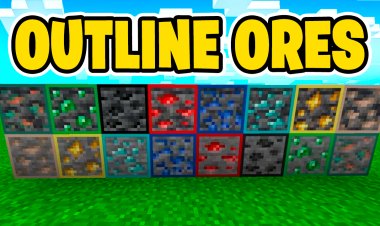
The Ore Highlighter Texture Pack improves mining by making ores much easier to see in caves and underground environments.
Key Features:
- Adds clear outlines to ores
- Works in caves, overworld, and nether
- Makes rare resources like diamonds easier to spot
- Useful for survival and speedrunning
Why It’s Useful:
This pack reduces the time spent searching for ores, allowing players to mine more efficiently and progress faster.