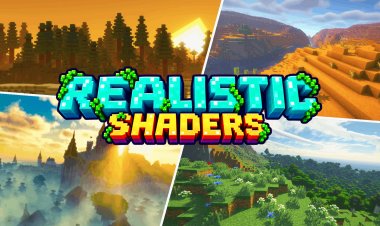
Top 3 NO LAG Realistic Shaders For Minecraft PE/Bedrock – Android, iOS & Windows
 mcpecentraladmin
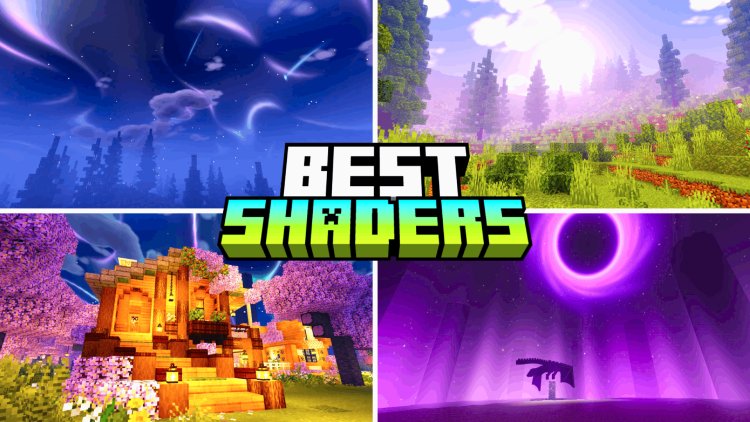
Top 3 NO LAG Realistic Shaders For Minecraft PE/Bedrock – Android, iOS & Windows
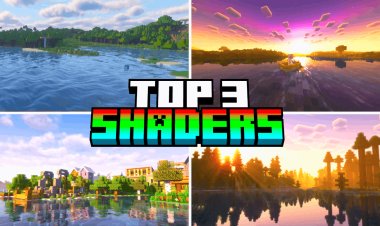
Looking for the best no lag realistic shaders for Minecraft PE or Minecraft Bedrock Edition?
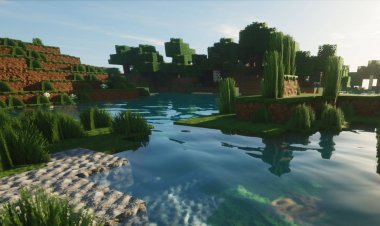
If you want your Minecraft world to look more realistic without destroying your FPS, there are several newer Vibrant Visuals shaders and visual packs worth trying.
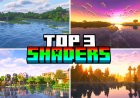
In this article, we're looking at the Top 3 NO LAG Realistic Shaders for Minecraft PE/Bedrock, including options for Android, iOS, and Windows.
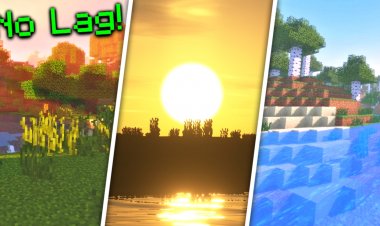
These packs can improve Minecraft's lighting, shadows, fog, sky, colors, and overall atmosphere while keeping the visual experience relatively lightweight compared with some more demanding shader setups.
Important: "No lag" depends on your device. A shader that runs smoothly on one phone or PC may reduce FPS on another device. Your Minecraft version, GPU, render distance, and graphics settings can all affect performance.
Top 3 No Lag Realistic Shaders for Minecraft Bedrock
Here are the three shaders featured in this list:
#3 – Infinity Visuals
#2 – Luminous Dreams
#1 – Origin Vibrant Visuals
All three are available through MCPEDL and have installation guides for supported platforms.
3. Infinity Visuals
Download Infinity Visuals
Download Infinity Visuals on MCPEDL
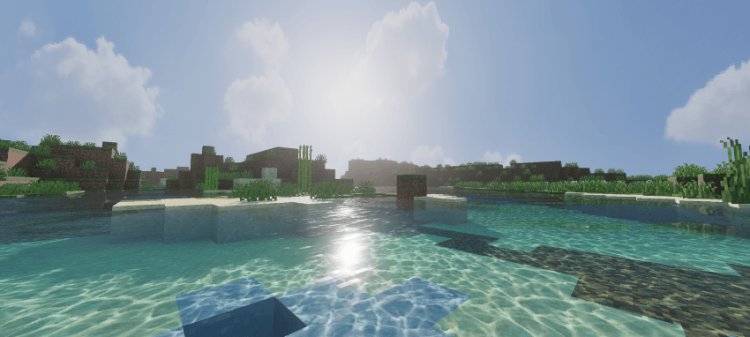
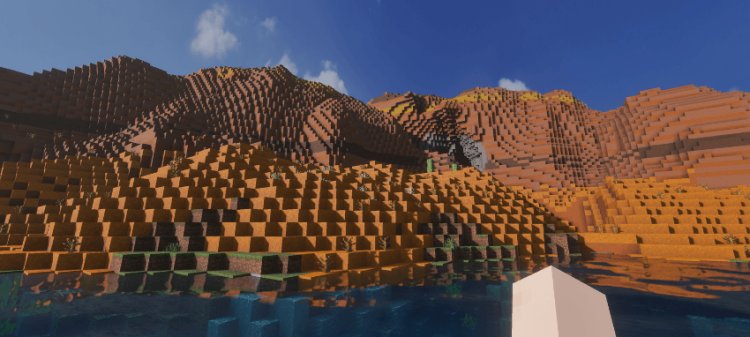
Infinity Visuals is a Minecraft Bedrock visual pack designed specifically around Vibrant Visuals.
The pack is categorized on MCPEDL as Realistic, Shaders, and Themed. Its latest listed version supports Minecraft 26.30+, and the current download is around 9 MB.
That relatively small download size makes Infinity Visuals an interesting option if you're looking for enhanced Minecraft graphics without downloading an enormous texture pack.
Infinity Visuals Features
- Realistic visuals
- Vibrant Visuals support
- Enhanced lighting
- Improved fog
- Improved water visuals
- Additional high-resolution textures
- Smaller updated pack size
- Android installation guide
- iOS installation guide
- Windows 10 installation guide
The developer's latest changelog mentions new high-resolution textures, updated water and fog files, identifier fixes, and a reduced pack size.
Is Infinity Visuals Good for Low-End Devices?
Your results will depend on your hardware.
Infinity Visuals is not a guarantee of zero FPS loss, but its relatively small download size and focus on Minecraft's Vibrant Visuals system make it an option to test if you're looking for realistic Minecraft shaders with performance in mind.
If your FPS drops, lower your render distance and graphics settings before deciding that the shader is too demanding.
2. Luminous Dreams
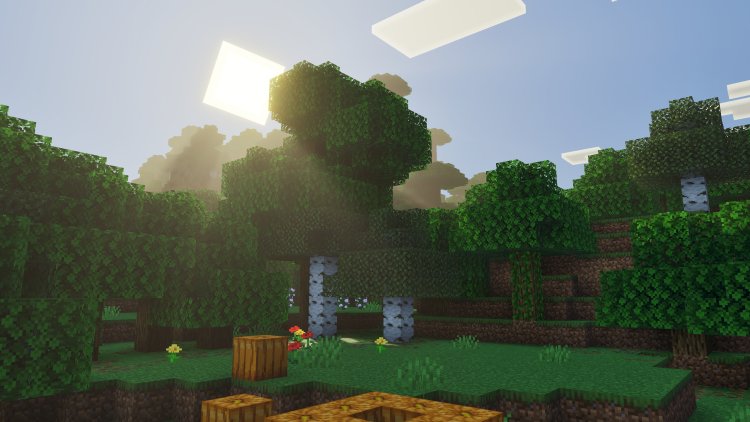
Download Luminous Dreams
Download Luminous Dreams on MCPEDL
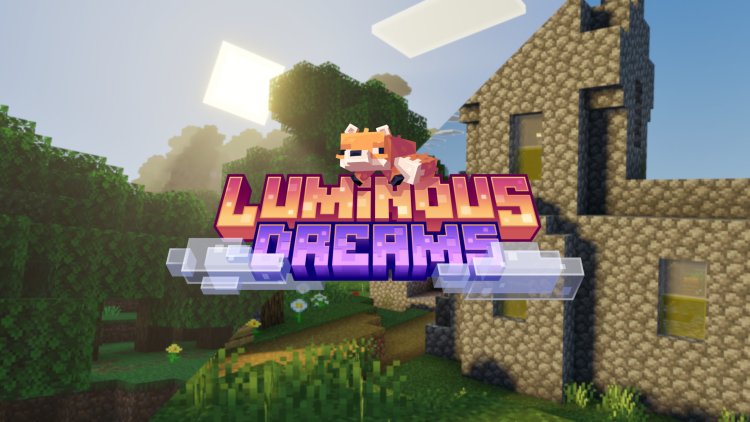
Luminous Dreams is one of the most established packs on this list.
The MCPEDL page currently lists Luminous Dreams v1.1.1, which was updated on August 18, 2026. The page shows more than 3.5 million downloads and lists the pack under Shaders.
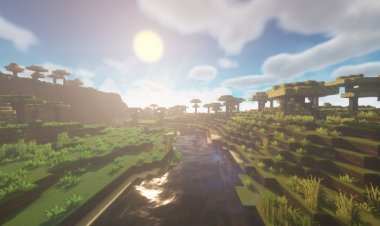
Luminous Dreams focuses heavily on lighting and atmosphere, making Minecraft look more cinematic without completely changing the game's recognizable style.
Luminous Dreams Features
The latest update includes several visual improvements:
- Softer blue skies
- More defined horizons
- Warmer sunlight
- Improved nighttime lighting
- Improved fog
- Increased fog density in some biomes
- Cherry Grove fog effects
- Nether fog improvements
- Colored lighting for applicable light blocks
- More balanced brightness
- Reduced contrast and saturation
These changes are documented in the pack's current MCPEDL changelog.
Why Luminous Dreams Is Popular
One reason Luminous Dreams stands out is its long-running presence in the Bedrock shader community.
The current MCPEDL page has millions of downloads and has continued receiving updates into 2026.
The pack also has installation guides for:
- Android
- iOS
- Windows 10
Does Luminous Dreams Require Vibrant Visuals?
Yes. The current MCPEDL comments indicate that Vibrant Visuals is required for the pack to work.
So if you install Luminous Dreams and don't see the expected graphics, make sure your Minecraft version and device support the required Vibrant Visuals features.
1. Origin Vibrant Visuals
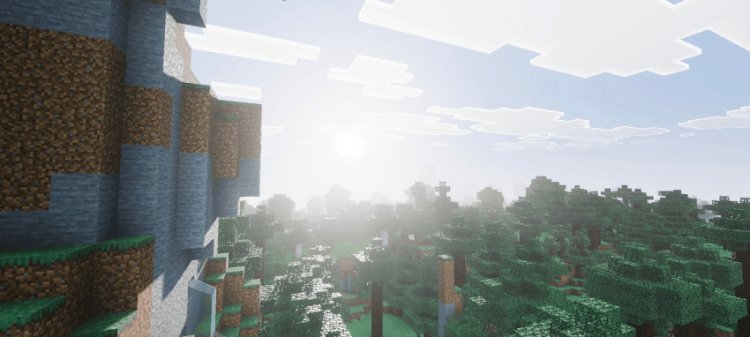
Download Origin Vibrant Visuals
Download Origin Vibrant Visuals on MCPEDL
At #1 is Origin Vibrant Visuals.
Origin is a newer Minecraft Bedrock visual pack that focuses on giving the game a more realistic appearance through the Vibrant Visuals system.
MCPEDL currently categorizes Origin Vibrant Visuals as Realistic, Shaders, and Themed. The page was updated on September 14, 2026, and its latest listed file was added on September 13.
The current download is approximately 7.64 MB, making it another relatively small visual pack compared with large texture packs.
Origin Vibrant Visuals Features
- Realistic graphics
- Vibrant Visuals support
- Enhanced lighting
- Improved atmosphere
- Shader-style visual effects
- 16x and 64x options listed on MCPEDL
- Android installation guide
- iOS installation guide
- Windows 10 installation guide
Why Try Origin Vibrant Visuals?
If you're searching for a new realistic shader for Minecraft Bedrock, Origin is worth checking out.
It's also one of the newer packs in this list, having been published in July 2026 and receiving an update in September 2026.
Because it is newer, compatibility can change as Minecraft Bedrock receives updates. Always check the MCPEDL page for the latest version before installing.
Best No Lag Shaders for Minecraft PE – Quick Comparison
| Shader | Main Focus | Download Size | Platform Guides |
|---|---|---|---|
| Infinity Visuals | Realistic Vibrant Visuals | ~9 MB | Android, iOS, Windows |
| Luminous Dreams | Lighting & atmosphere | ~6 MB | Android, iOS, Windows |
| Origin Vibrant Visuals | Realistic Vibrant Visuals | ~7.6 MB | Android, iOS, Windows |
The download sizes above are based on the current MCPEDL listings and can change when the packs are updated.
How to Install No Lag Shaders on Minecraft PE/Bedrock
Installing these Minecraft Bedrock visual packs is generally straightforward.
Step 1: Download the Shader
Open the MCPEDL page for the shader you want.
Download the latest .mcpack file.
Step 2: Open the File
After the download finishes, open the .mcpack file.
Minecraft should launch and begin importing the pack.
Step 3: Activate the Pack
Open Minecraft and go to your world settings.
Find the resource or visual pack section and activate the pack.
Step 4: Enable Vibrant Visuals
If the shader requires Vibrant Visuals, make sure Vibrant Visuals is enabled in Minecraft's graphics settings.
For these packs, this is particularly important because their visual effects rely on Minecraft's newer rendering system.
Step 5: Test Your FPS
Load into your world and move around for a few minutes.
Pay attention to:
- FPS
- Stuttering
- Chunk loading
- Mob rendering
- Water effects
- Lighting
- Shadows
If everything feels smooth, you're good to go.
How to Reduce Lag With Minecraft Shaders
Even a shader advertised as "no lag" can cause FPS drops depending on your device.
If Minecraft starts lagging after installing a realistic shader, try these settings.
Lower Render Distance
Render distance can have a major effect on performance.
Try using:
8–12 chunks
and increase it if your device can handle it.
Use Performance Settings
If your version of Minecraft provides graphics options designed to prioritize performance, use them when necessary.
The goal isn't necessarily to use the highest graphics settings.
The goal is:
Realistic Graphics + Smooth Gameplay
Don't Stack Multiple Shaders
Don't activate several demanding visual packs at the same time.
Start with one shader.
Test it.
Then change your settings based on your FPS.
Close Background Apps
On Android, iOS, and Windows, closing unnecessary applications can free up system resources.
This can help reduce stuttering, especially on devices with limited RAM.
Do Realistic Minecraft Shaders Cause Lag?
They can.
The amount of lag depends on your device.
A newer gaming PC or high-end smartphone can handle graphics effects that may be difficult for an older phone.
The same shader can therefore produce very different FPS results on different devices.
That's why "no lag" should be understood as a performance-focused option rather than a guarantee of 0 FPS loss.
Your results can depend on:
- GPU
- CPU
- RAM
- Minecraft version
- Render distance
- Simulation distance
- Resolution
- Vibrant Visuals settings
- Other resource packs
- World size
- Number of entities
Do These Shaders Work on Android, iOS and Windows?
All three MCPEDL pages provide installation guides for Android, iOS, and Windows 10.
However, that doesn't mean every phone, tablet, or PC will have identical performance.
Your device must also support the Minecraft features required by the pack.
If Vibrant Visuals isn't available on your device, a shader that depends on Vibrant Visuals may not work correctly.
Which Minecraft Shader Should You Try?
If you're looking for realistic Minecraft Bedrock shaders with performance in mind, these are three options to test:
#3 – Infinity Visuals
A compact Vibrant Visuals pack with realistic graphics, enhanced fog, water changes, and additional textures.
Download:
https://mcpedl.com/infinity-visuals-vibrant-visuals-pack/
#2 – Luminous Dreams
A popular Bedrock visual pack focused on lighting, sky, fog, and atmosphere.
Download:
https://mcpedl.com/poggy-s-luminous-dreams-deferred-renderer-shader-pack-beta/
#1 – Origin Vibrant Visuals
A newer realistic Vibrant Visuals pack with a relatively small download and current Bedrock support.
Download:
https://mcpedl.com/origin-vibrant-visuals/
Final Thoughts
Finding a no lag realistic shader for Minecraft PE/Bedrock is mostly about finding the right balance between graphics and performance.
Infinity Visuals, Luminous Dreams, and Origin Vibrant Visuals are three options worth testing if you play Minecraft Bedrock on Android, iOS, or Windows.
If you have a lower-end device, start with lower render distance and performance-focused graphics settings.
If you have a more powerful device, you can increase your render distance and visual settings to get more detailed graphics.
Most importantly, always check the shader's MCPEDL page for the latest version and compatibility information, because Minecraft Bedrock updates can change how visual packs work.
Download Links
#3 – Infinity Visuals:
https://mcpedl.com/infinity-visuals-vibrant-visuals-pack/
#2 – Luminous Dreams:
https://mcpedl.com/poggy-s-luminous-dreams-deferred-renderer-shader-pack-beta/
#1 – Origin Vibrant Visuals:
https://mcpedl.com/origin-vibrant-visuals/