10 BEST MCPE TEXTUREPACKS FOR SURVIVAL (26.x, 1.21+)
Discover the 10 best MCPE texture packs for survival in 2026. Compare the top 10 Minecraft Bedrock resource packs for better FPS, cleaner visuals, and immersive gameplay.
 MCPEUDAY
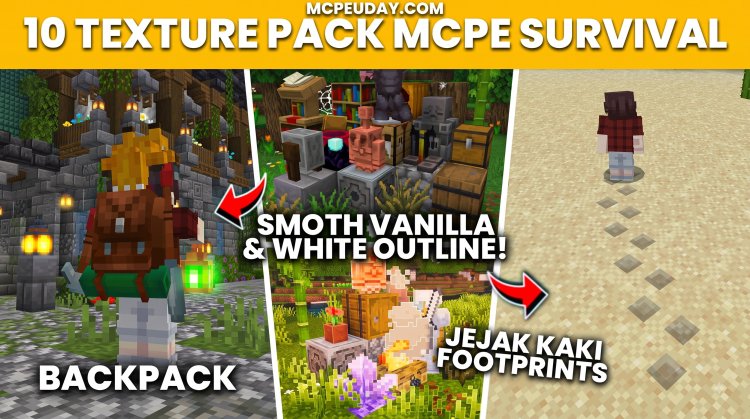
Minecraft Bedrock Edition continues to evolve with every major update, but one thing remains the same: the right texture pack can completely transform your survival experience without changing the game's core mechanics. Whether you're looking for cleaner visuals, better FPS, improved user interface, or realistic blocks, a well-designed texture pack can make exploration, mining, building, and combat more enjoyable.
Scroll Down and Watch TEXTUREPACKS
In this guide, we've selected the 10 best MCPE texture packs for survival that work with Minecraft Bedrock/PE 26.x and 1.21+. These packs were chosen based on compatibility, performance, visual quality, and overall gameplay improvements.
What Makes a Great Survival Texture Pack?
A good survival texture pack should improve the game without making it harder to play. The best packs usually offer:
- Better visibility during exploration
- Clean and optimized textures
- Minimal FPS impact
- Compatibility with the latest Bedrock versions
- Easy installation using
.mcpackfiles - Vanilla-friendly design for long-term survival worlds
Top 10 MCPE Survival Texture Packs
10 BEST MCPE TEXTUREPACKS FOR SURVIVAL
10. Recipe Book Layout Texture Pack
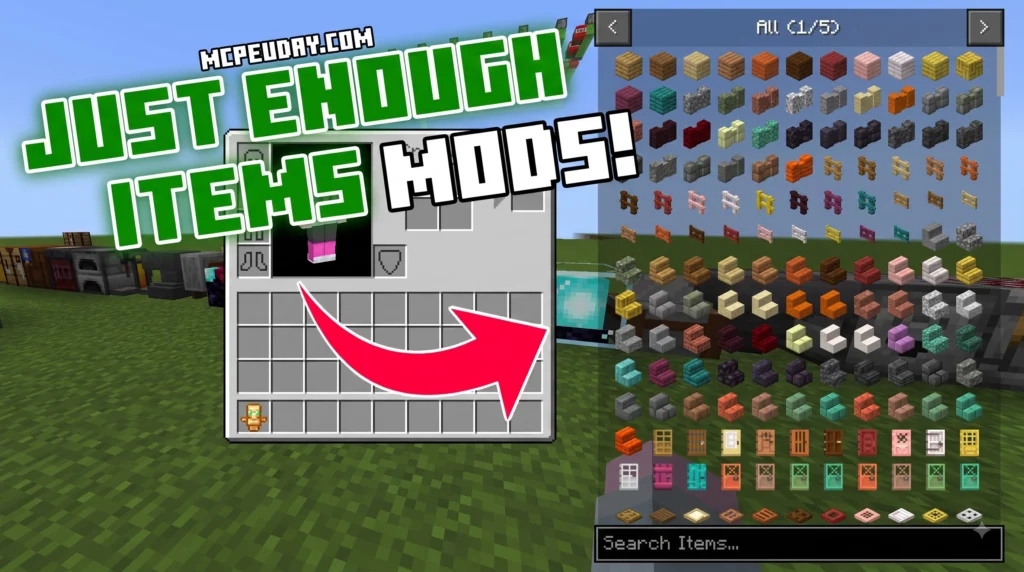
The JEI Recipe Book Layout texture pack is an interface redesign for Minecraft Bedrock Edition and MCPE. It changes how item recipes are displayed in your inventory and crafting table screens. Instead of modifying core gameplay rules or adding custom blocks, this project operates entirely as a pure UI resource pack.
MORE T. PACKS – Click here
9. MultiPixel Texture Pack
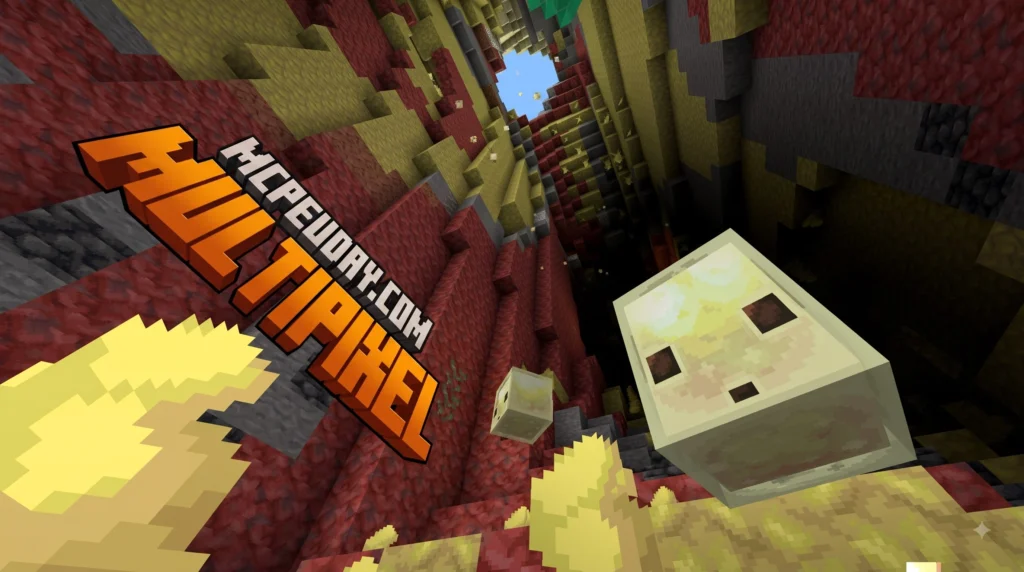
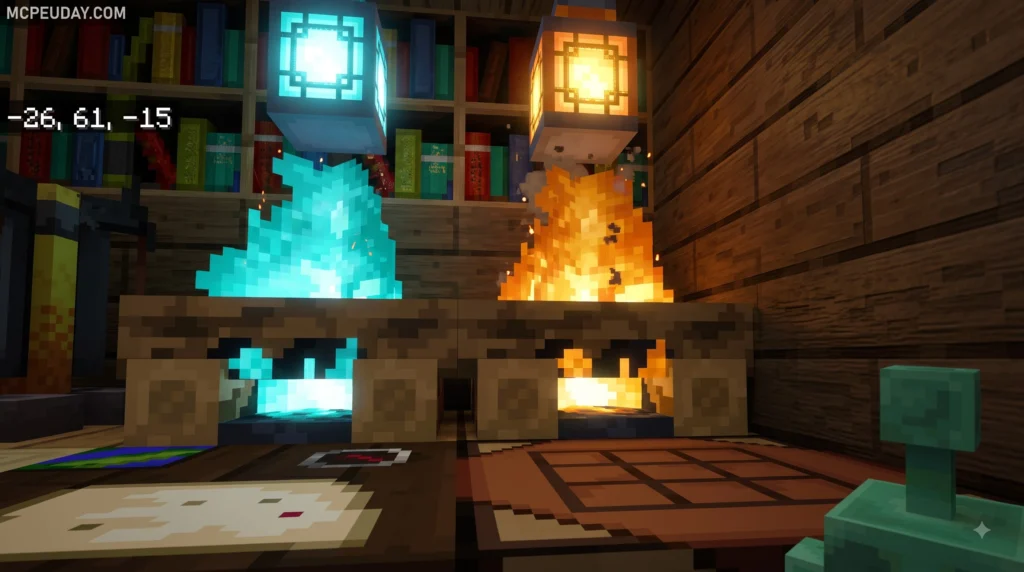
MultiPixel Texture Packs/MODs are free, community-made resource packs that upgrade Minecraft‘s default 16x textures to a sharper 32x resolution — doubling the pixel count on each axis while keeping the familiar vanilla look you already love.
8. Green/Blue/Magenta Screen Texture Pack
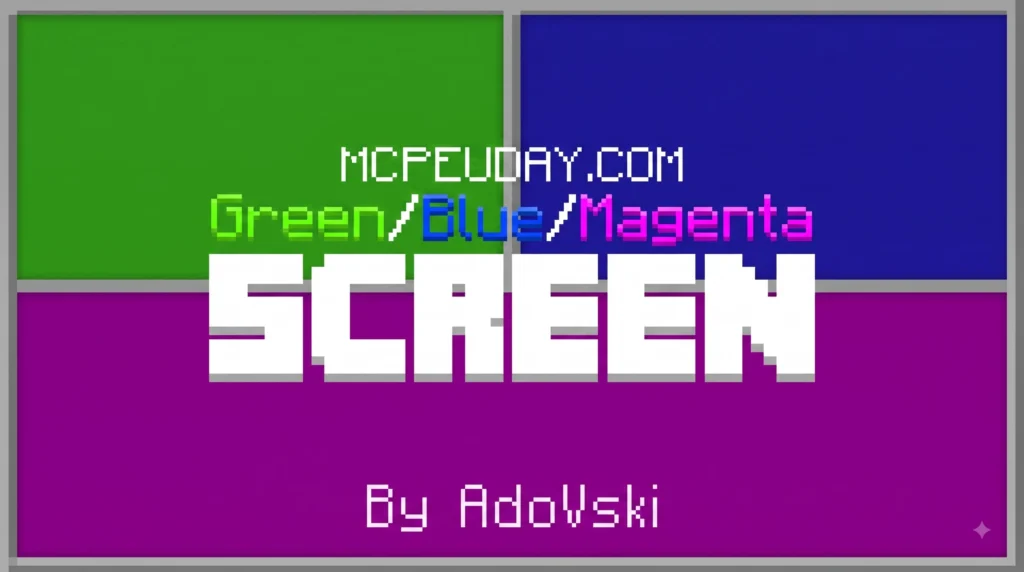
A Green/Blue/Magenta Screen Texture Pack is a practical utility resource pack designed for content creators, animators, map builders, and video editors working within tile-based sandbox games like Minecraft and Terraria. Rather than introducing fancy high-definition block designs, realistic foliage, or detailed stylized textures, these resource packs intentionally replace existing blocks with solid, flat hex colors—most notably standard Chroma Key Green (#00b140), Chroma Key Blue (#0000ff), and Magenta (#ff00ff).
7. Blood Patch Texture Pack
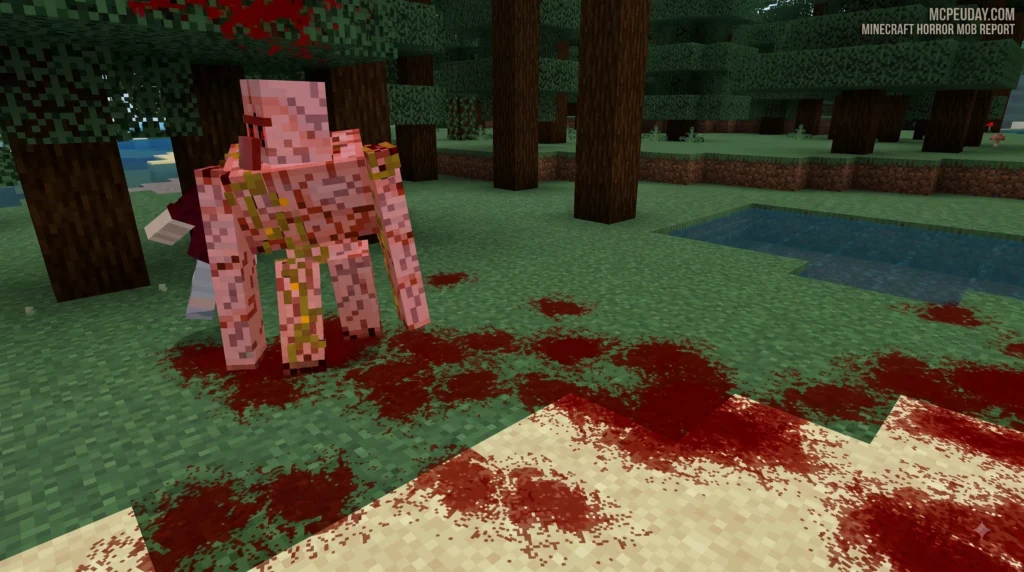
Download the Blood Patch Texture Pack for Minecraft PE (Bedrock). Discover realistic blood particles, V2 vs V3 differences, installation steps, compatibility, and gameplay features.
MORE T. PACKS – Click here
6. Bundles 3D Texture Pack
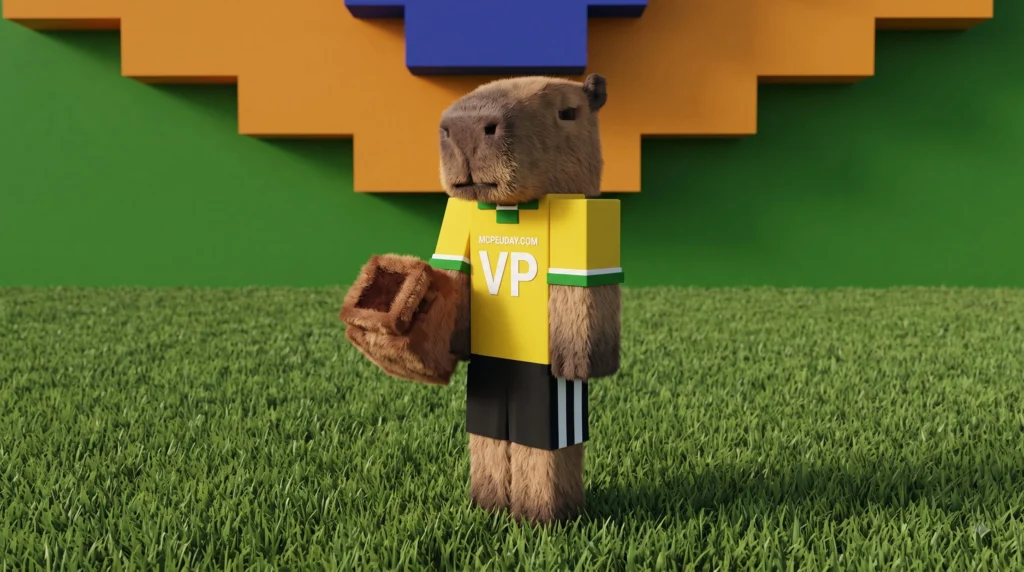
Downloading and implementing a high-quality Bundles 3D texture pack into your design or development workflow is quick, efficient, and transforms plain models into immersive digital assets. Whether you are creating sprawling open-world game environments, architecture renderings, or custom shaders, acquiring complete texture packages streamlines the entire materials creation phase. Here are the three straightforward steps to find, evaluate, and extract your materials ready for your next digital project.
5. Transparent Shield Texture Pack
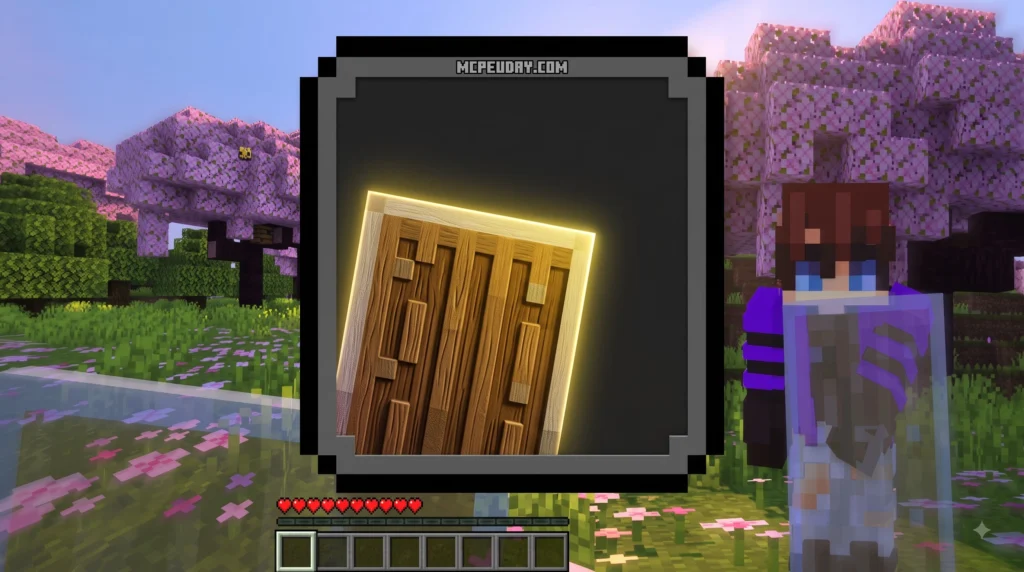
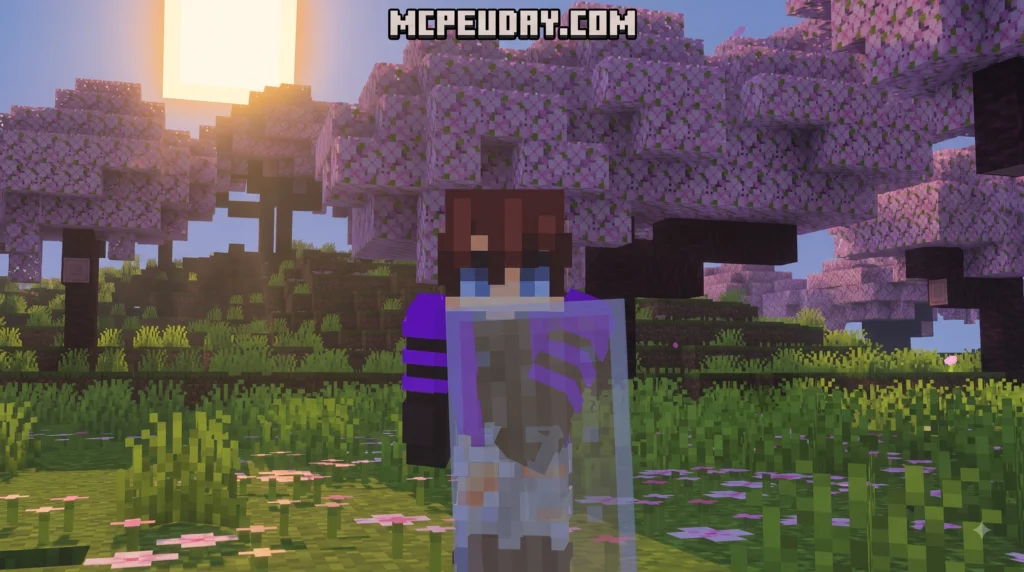
The Transparent Shield texture pack is a Minecraft resource pack that makes your shield invisible — or semi-transparent — when held in your hand, so it stops blocking your screen during combat and exploration.
4. Footprints Particle Texture Pack
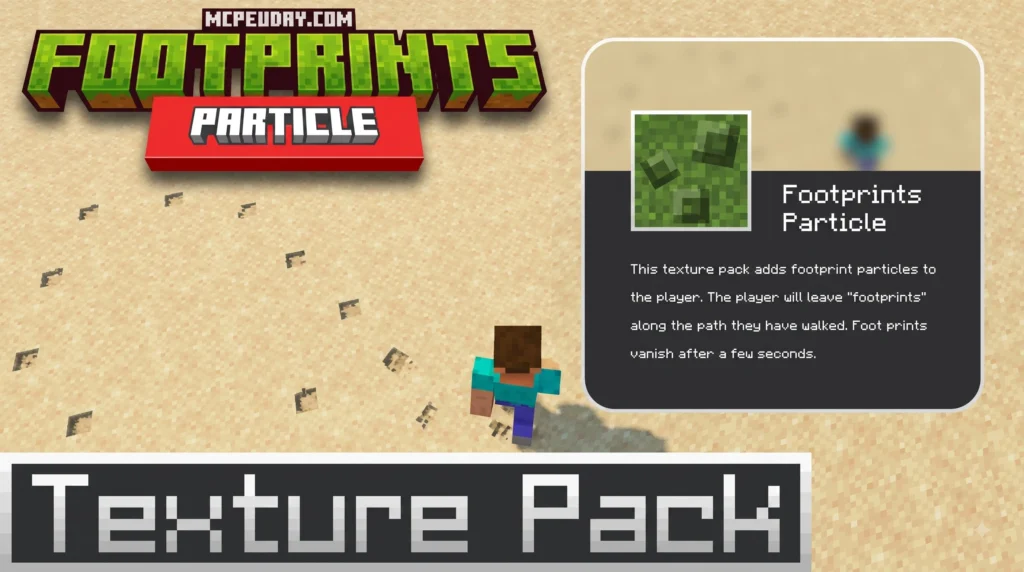
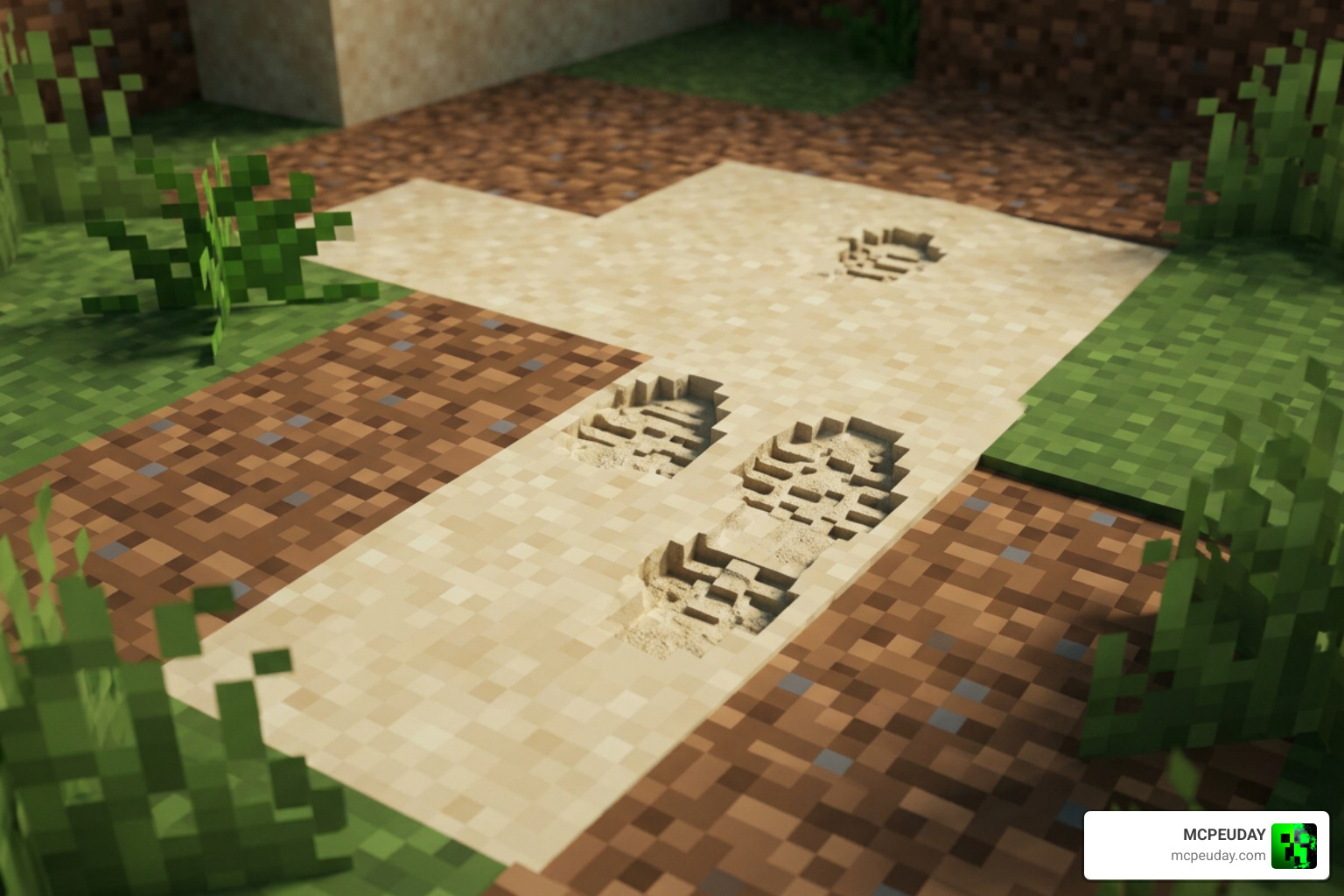
The Footprints Particle texture pack is one of the most satisfying visual upgrades you can add to Minecraft – whether you play Java or Bedrock Edition. Here’s a quick summary of what it is and what your options are:
MORE T. PACKS – Click here
3. Coordinates Plus Texture Pack
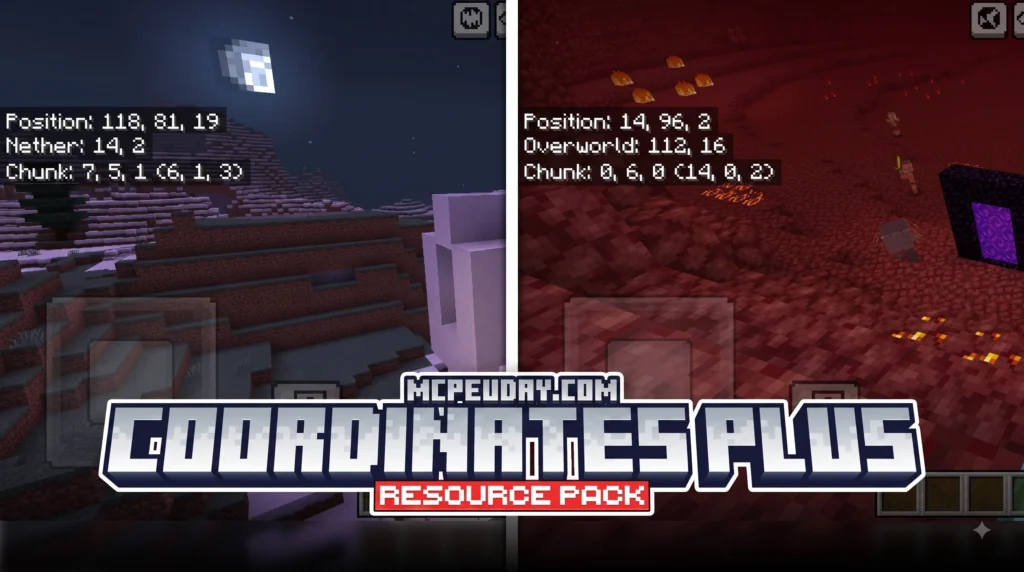
The Coordinates Plus texture pack is a client-side Fabric mod for Minecraft 1.21+ that replaces the cluttered F3 debug screen with a clean, customizable HUD overlay. Here’s a quick summary of what it offers:
MORE T. PACKS – Click here
2. Outline Texture Pack
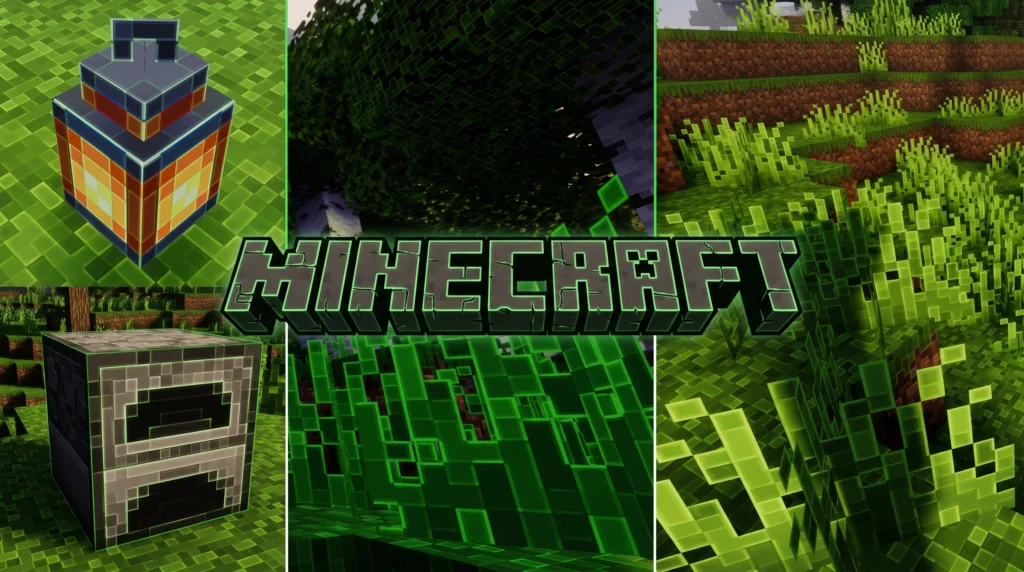
Struggling to see block edges in Minecraft? The Outline Texture Pack adds cleaner borders for better mining, building, PvP, and cave navigation. Works on Java & MCPE Bedrock 1.21+ with smooth performance.
1. Colourful Containers GUI Resource Pack
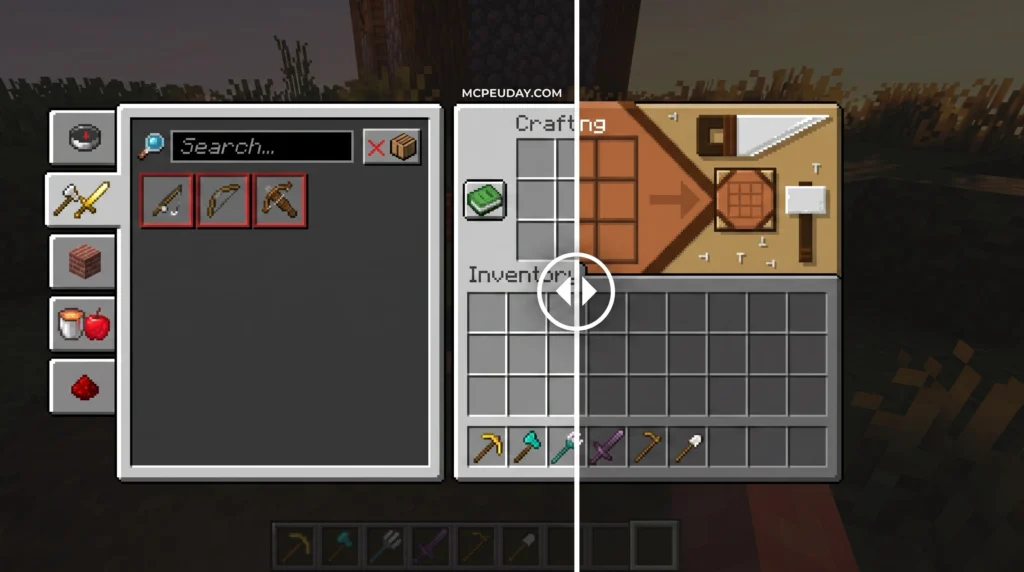
The Colourful Containers GUI resource pack is one of the most downloaded GUI overhauls in Minecraft history — and it’s easy to see why. Instead of staring at the same flat grey menu every time you open a chest, furnace, or enchanting table, this pack gives every container its own unique, colour-matched interface.
MORE T. PACKS – Click here
00. Top Jenny Mod for Minecraft Bedrock/PE
Explore the Top 10 Jenny Mod for Minecraft Bedrock/PE in 2026. Compare the best Jenny add-ons, features, installation steps, and safe download tips for Android, iOS, and Windows.
MORE T. PACKS – Click here
How to Choose the Right Texture Pack
If you enjoy classic Minecraft gameplay, packs like Faithful 32x or Better Default are excellent choices because they improve visuals without changing the game's identity.
Players focused on exploration should consider Clear Water, Better Leaves, and Night Vision, while those who spend more time mining or fighting mobs will benefit from Visible Ores and Low Fire.
Utility-focused packs such as Survival+ combine several quality-of-life improvements into one lightweight package, making them ideal for long-term survival worlds.
Final Verdict
The best MCPE texture pack for survival depends on your playstyle. If you want the most balanced experience, Faithful 32x, Fresh Animations, and Survival+ are among the strongest choices for Minecraft Bedrock Edition 26.x and 1.21+. They improve visuals, maintain excellent performance, and preserve the original survival experience while adding meaningful enhancements.