How To Get Xray for Minecraft Bedrock 26.0 (Easy Install Guide)
 mcpecentraladmin
How To Get Xray for Minecraft Bedrock 26.0 (Easy Install Guide)
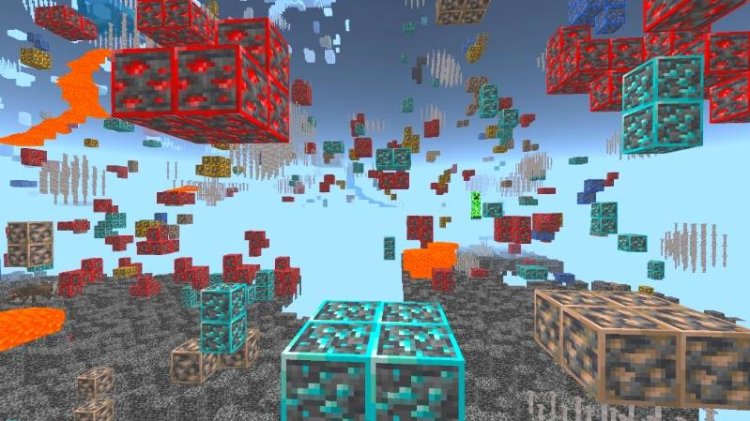
If you’re looking for how to get Xray for Minecraft Bedrock 26.0, this complete guide will show you exactly how to download, install, and activate a working Xray texture pack for the brand new 26.0 update.
This method works on Windows 10/11, Android, iOS, and other Bedrock-supported platforms.
Download the working Xray texture pack here:
https://mcpedl.com/x-ray-works-in-original-patch-everywhere/
Credit to RisabGamerz for creating and maintaining this Xray resource pack.
What Is Xray in Minecraft Bedrock 26.0?
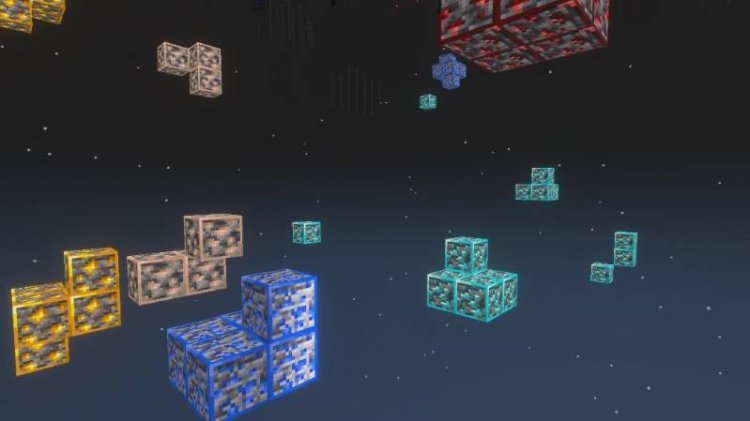
Xray is a texture pack for Minecraft Bedrock Edition that makes most solid blocks transparent while keeping valuable ores visible. This allows players to easily locate:
-
Diamond ore
-
Iron ore
-
Gold ore
-
Emerald ore
-
Redstone ore
-
Lapis lazuli
With the new Minecraft Bedrock 26.0 update, many players are searching for an updated Xray texture pack that still works. The pack created by RisabGamerz is compatible with the latest version and continues to function properly.
How To Install Xray Texture Pack in Minecraft Bedrock 26.0
Follow these steps carefully to install and activate the Xray resource pack.
Step 1: Download the Xray Texture Pack
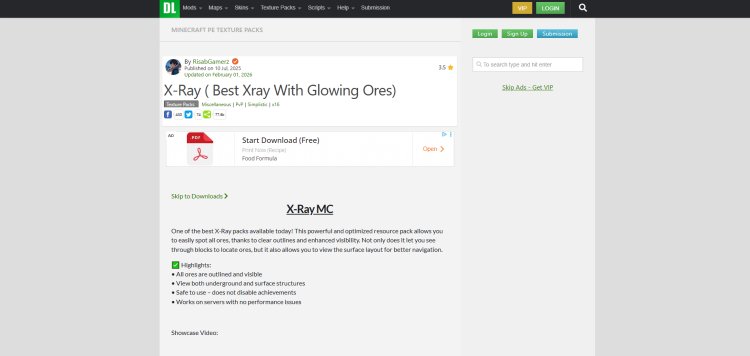
Go to the official MCPEDL page and download the file:
https://mcpedl.com/x-ray-works-in-original-patch-everywhere/
Make sure you download the version that matches Minecraft Bedrock 26.0.
Step 2: Open the Downloaded File
If the file is in .mcpack format:
-
Simply click or tap it.
-
Minecraft Bedrock will automatically launch and begin importing the pack.
If it is a .zip file:
-
Extract it first.
-
Then import it into Minecraft.
You should see a notification saying “Successfully Imported”.
Step 3: Activate the Xray Pack Globally
-
Open Minecraft Bedrock 26.0
-
Go to Settings
-
Click Global Resources
-
Select My Packs
-
Activate the Xray texture pack
Step 4: Apply Xray to a Specific World
-
Go to Play
-
Click the edit icon on your world
-
Scroll down to Resource Packs
-
Activate the Xray pack
-
Enter the world
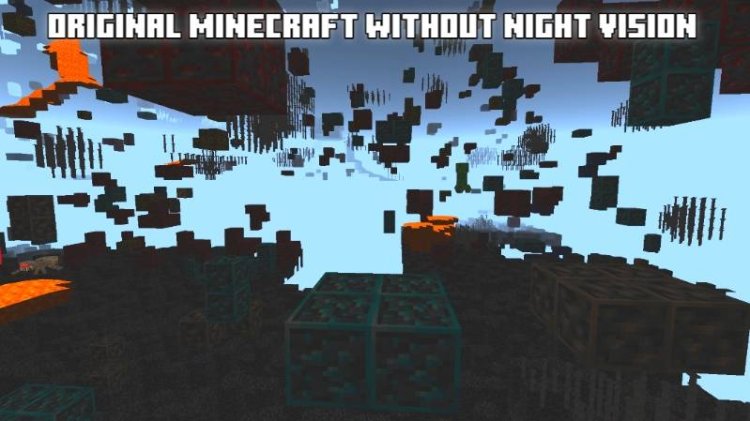
Once loaded, most blocks will appear transparent, and ores will stand out clearly.
Important Warning About Multiplayer Servers
Many multiplayer servers and Realms consider Xray cheating. Using Xray on public servers can result in bans or penalties.
It is recommended to:
-
Use Xray in singleplayer worlds
-
Use Xray in private worlds
-
Always check server rules before enabling
Why This Xray Pack Works on 26.0
With each Minecraft Bedrock update, some texture packs break due to changes in block rendering or resource pack formatting. The Xray texture pack by RisabGamerz has been updated to remain compatible with the newest Bedrock 26.0 patch, ensuring stable performance.



![FryBry 100k PvP Pack [16x]](https://mcpecentral.com/uploads/images/2022/04/image_380x226_625b81fd88c58.jpg)