How to Download VeinMiner for Minecraft (2026 Guide – Fabric)
 mcpecentraladmin
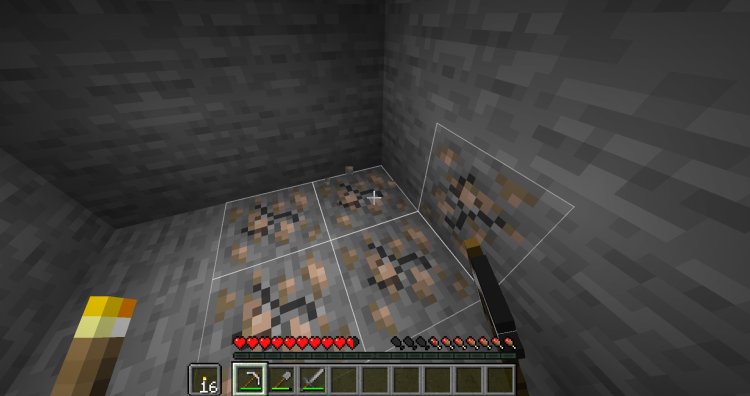
VeinMiner is one of the most popular Minecraft mods in 2026, allowing players to mine entire ore veins instantly by breaking just one block. Whether you’re playing survival, hardcore, or technical worlds, VeinMiner saves time and massively improves quality of life.
In this complete 2026 guide, you’ll learn how to download and install VeinMiner for Minecraft using Fabric, including all required mods and Java setup. This tutorial is optimized for modern Minecraft versions and works on Windows, macOS, and Linux.
What Is VeinMiner in Minecraft?
VeinMiner is a Minecraft mod/datapack that lets you break connected blocks of the same type (like ores, logs, or crops) instantly. Instead of mining each block manually, VeinMiner does it all at once.
Key Benefits of VeinMiner
-
Instantly mine entire ore veins
-
Chop down full trees in one break
-
Save time in survival mode
-
Works with Fabric mod loader
-
Perfect for singleplayer & modded worlds
What You Need Before Installing VeinMiner
Before installing VeinMiner in Minecraft, make sure you have:
-
A Java Edition copy of Minecraft
-
The same Minecraft version for all mods
-
Fabric mod loader
-
Java 21 (required in 2026)
Step-by-Step: How to Download VeinMiner for Minecraft (2026)
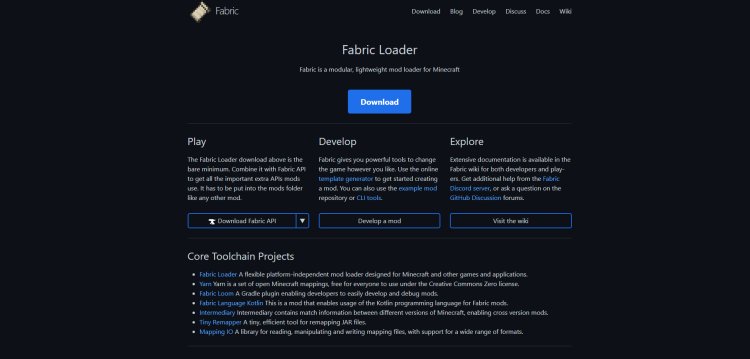
Step 1: Download Fabric (Required Mod Loader)
Fabric is the mod loader required to run VeinMiner.
Download Fabric here:
https://fabricmc.net/
Make sure you download Fabric for your exact Minecraft version.
Step 2: Download VeinMiner for Minecraft
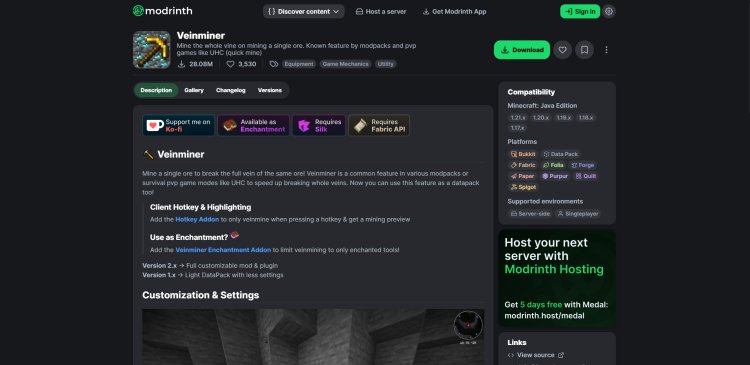
VeinMiner is hosted on Modrinth and is actively maintained.
Download VeinMiner here:
https://modrinth.com/datapack/veinminer
Choose the correct Minecraft version to avoid crashes.
Step 3: Download Required Additional Mods
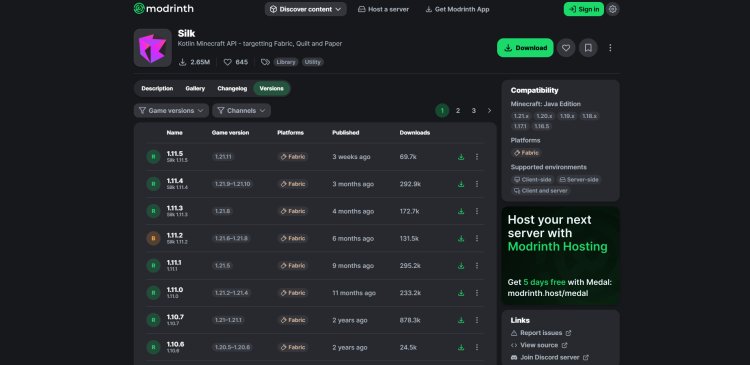
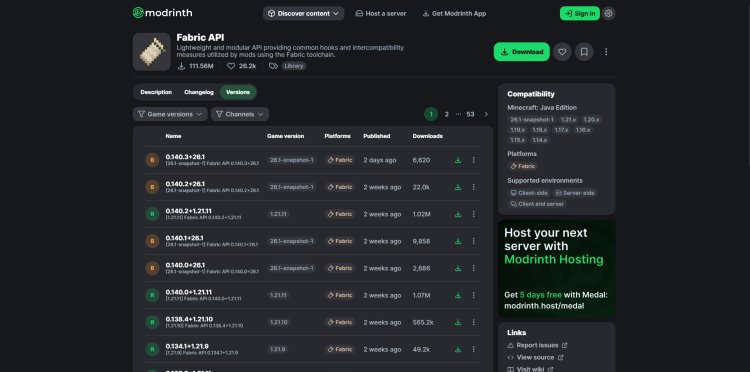
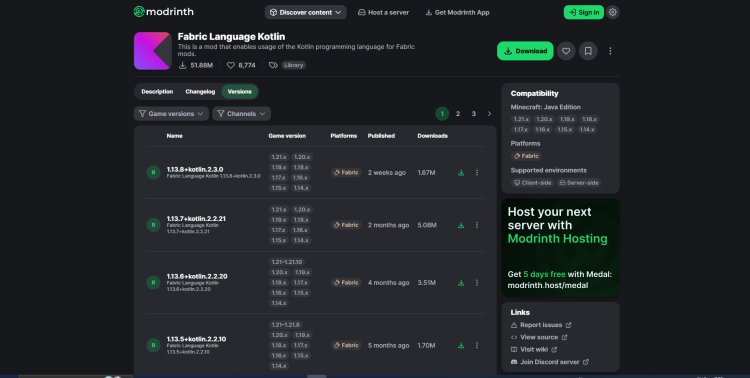
VeinMiner will NOT work without these dependencies. You must download all of them for the same Minecraft version.
Required Mods:
-
Fabric Language Kotlin
https://modrinth.com/mod/fabric-language-kotlin/versions
Important: If even one mod is on the wrong version, Minecraft will fail to launch.
Step 4: Download Java 21 (Required in 2026)

Modern Minecraft modding now requires Java 21.
Download Java 21 here:
https://www.oracle.com/java/technologies/downloads/#java21
Install Java before continuing.
Step 5: Install Fabric Using Java


Once Java 21 is installed:
-
Open the Fabric Installer
-
Make sure it opens with Java
-
Select the Minecraft version you want
-
Click Install
Fabric will now appear as a Minecraft installation.
Step 6: Add VeinMiner Mods to the Mods Folder
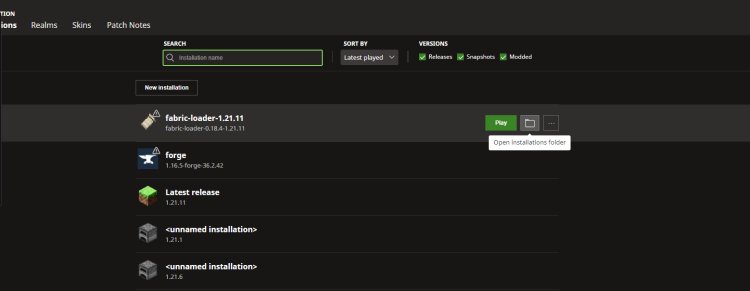
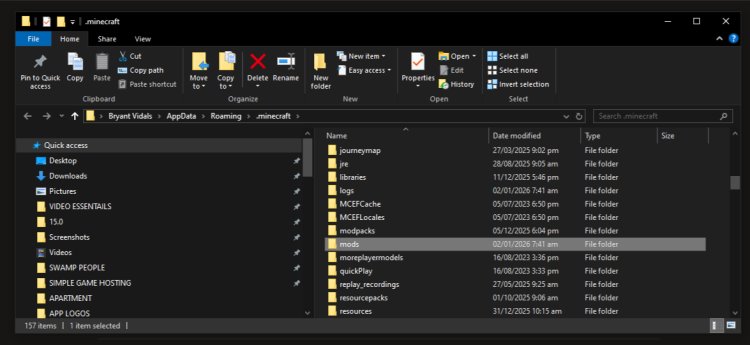
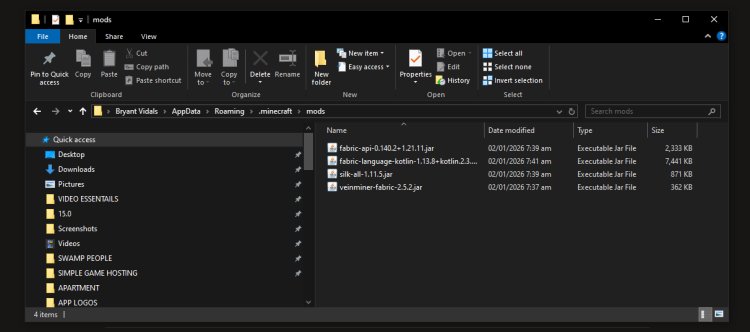
-
Open Minecraft Launcher
-
Click Installations
-
Click Open Folder on your Fabric profile
-
Open the folder named
mods(all lowercase) -
Drag ALL downloaded mods into the
modsfolder:-
VeinMiner
-
Silk
-
Fabric API
-
Fabric Language Kotlin
-
Close the folder when finished.
Step 7: Launch Minecraft & Enjoy VeinMiner
-
Launch Minecraft using the Fabric profile
-
Load into a world
-
Start mining and enjoy VeinMiner in Minecraft
VeinMiner is now fully installed!
Common VeinMiner Issues & Fixes
Minecraft Crashes on Launch
✔ Check that all mods match the same Minecraft version
✔ Make sure Java 21 is installed
✔ Confirm you’re launching Fabric, not Vanilla
VeinMiner Not Working
✔ Verify dependencies are installed
✔ Try creating a new world
✔ Check mod settings if applicable
Is VeinMiner Safe to Use?
Yes. VeinMiner is:
-
Open-source
-
Widely used by millions of players
-
Hosted on trusted platforms like Modrinth
As long as you download it from the links above, it is 100% safe.
Final Thoughts: Best VeinMiner Installation Guide (2026)
VeinMiner remains one of the best Minecraft mods in 2026, especially for survival and efficiency-focused players. By following this guide exactly, you’ll have a crash-free, optimized VeinMiner setup using Fabric and Java 21.
If you’re looking to:
-
Speed up mining
-
Reduce grind
-
Improve survival gameplay
Then VeinMiner is a must-have mod.