How to Download Shaders From CurseForge (Step-by-Step Minecraft Guide)
 mcpecentraladmin
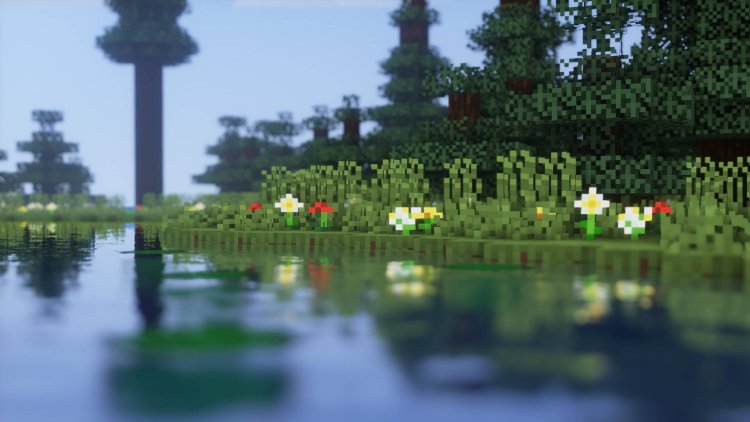
If you’re wondering how to download shaders from CurseForge and use them in Minecraft without errors, you’re in the right place. This guide walks you through installing Minecraft shaders using the Iris Shader Loader, the most popular and performance-friendly shader loader available today.
Whether you’re playing Minecraft Java Edition, aiming for better lighting, shadows, reflections, or just want your game to look cinematic, this tutorial covers everything you need.
What Are Minecraft Shaders?
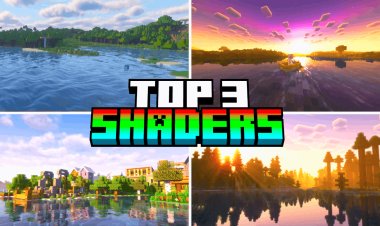
Minecraft shaders are visual enhancement packs that improve:
-
Dynamic lighting
-
Realistic shadows
-
Water reflections
-
Volumetric fog
-
Improved sky and clouds
Shaders dramatically upgrade Minecraft’s visuals, especially when paired with modern GPUs or optimized shader packs.
Step 1: Download Iris Shader Loader (Required)
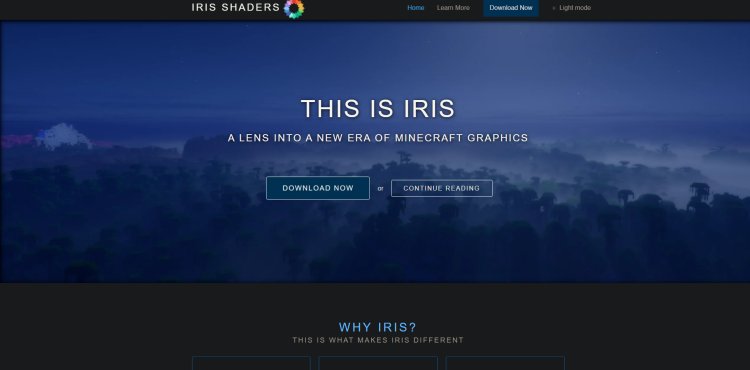
Iris is the best shader loader for Minecraft, offering excellent performance and compatibility with most modern shader packs.
???? Download Iris Shader Loader here:
https://www.irisshaders.dev/
Why Iris?
-
Optimized performance (better FPS)
-
Works with Sodium
-
Compatible with most CurseForge shaders
-
Easy installer
Download the installer .jar file and save it somewhere easy to access (like your Desktop or Downloads folder).
Step 2: Download a Shader From CurseForge
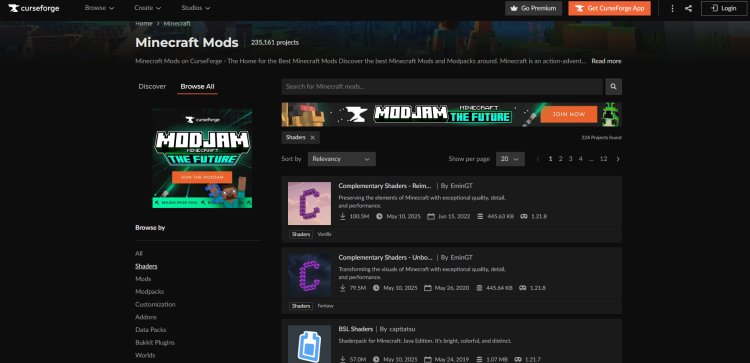
Now it’s time to download your shader pack.
???? Browse Minecraft shaders on CurseForge:
https://www.curseforge.com/minecraft/search?class=shaders&page=1&pageSize=20
Important Tips When Choosing a Shader:
-
Make sure the shader is compatible with Iris Shader Loader
-
Check that it supports your Minecraft version
-
Read the shader’s description and requirements
-
Avoid OptiFine-only shaders unless they explicitly support Iris
Popular shader types include:
-
Realistic shaders
-
Performance shaders
-
Low-end shaders
-
Cinematic shaders
Download the shader file (usually a .zip).
Step 3: Install Java (If You Haven’t Already)

Iris requires Java to run the installer properly.
???? Download Java here (Java 21 recommended):
https://www.oracle.com/java/technologies/downloads/#java21
Important Note:
After installing Java, you may need to restart your PC for Java to be fully applied to your system.
Skipping this step is one of the most common reasons the Iris installer won’t open.
Step 4: Install Iris Shader Loader
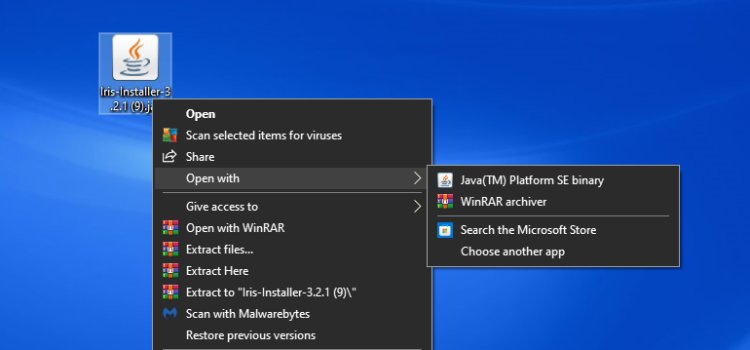
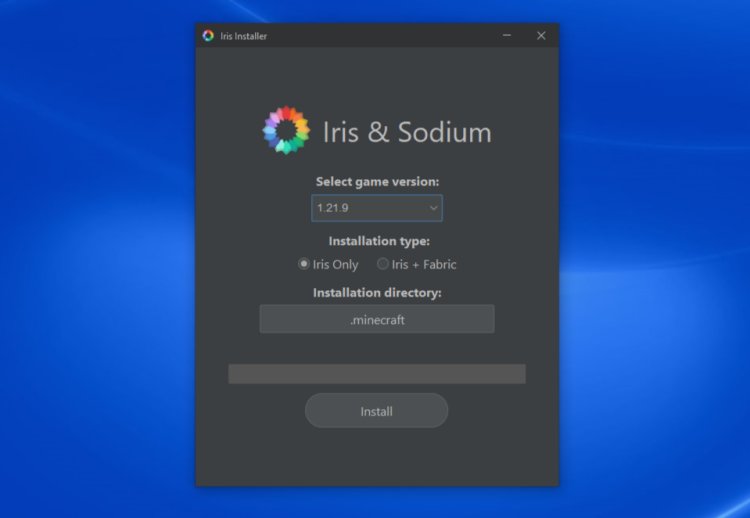
-
Locate the Iris Installer
.jarfile -
Right-click the file
-
Select “Open with Java”
-
Choose your Minecraft version
-
Click “Install”
Once installed, Iris automatically creates a new Minecraft profile.
Step 5: Select the Iris Installation in Minecraft Launcher

-
Open Minecraft Launcher
-
Click “Installations” at the top
-
Make sure “Modded” is toggled ON under Versions
-
Select the Iris installation
-
Save and return to the launcher
This ensures Minecraft launches using Iris instead of vanilla Minecraft.
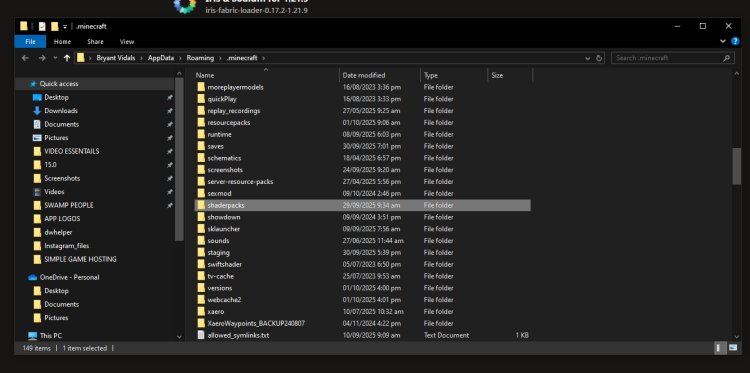
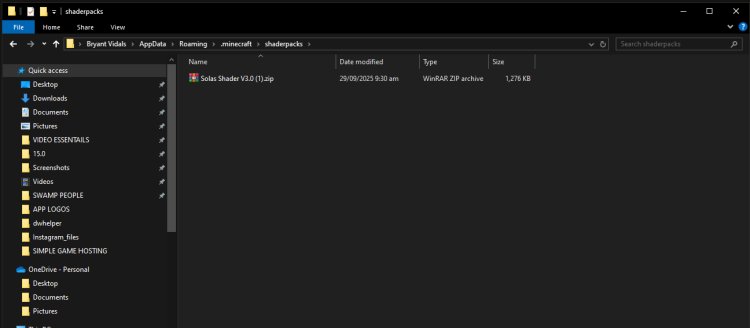
Step 6: Add Your Shader to the Shaderpacks Folder
-
Open your Minecraft Installation Folder
-
Locate the “shaderpacks” folder
-
Drag and drop your downloaded shader
.zipfile into this folder
⚠️ Do not extract the shader file — keep it zipped.
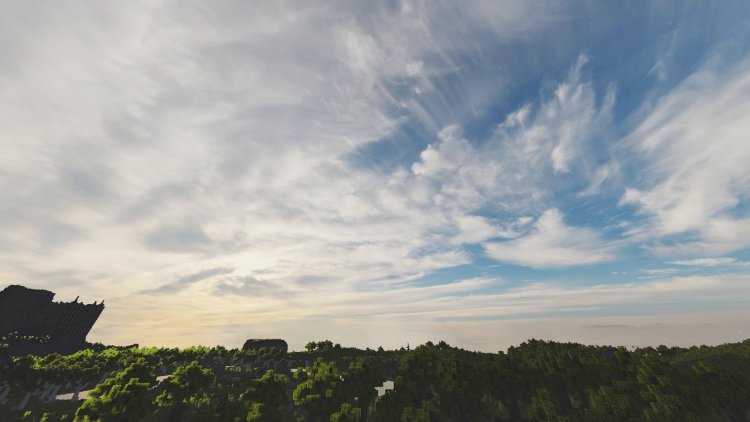
Step 7: Launch Minecraft and Enable Your Shader
-
Launch Minecraft using the Iris profile
-
Go to Options → Video Settings → Shaders
-
Select your shader pack
-
Click Apply
Your shader is now enabled ????
Enjoy enhanced lighting, realistic shadows, and next-level visuals.
Common Shader Installation Problems (And Fixes)
Shader not showing up?
-
Make sure it’s inside the
shaderpacksfolder -
Ensure the file is still a
.zip
Game crashes on launch?
-
Shader may not support your Minecraft version
-
Try a lower-end shader
-
Update GPU drivers
Low FPS?
-
Lower shader settings
-
Enable performance options
-
Use lightweight shaders
Final Thoughts: Best Way to Download Shaders From CurseForge
Using Iris Shader Loader + CurseForge shaders is currently the best and safest way to install Minecraft shaders. It’s faster than OptiFine, easier to manage, and optimized for modern systems.
If your goal is realistic Minecraft visuals, cinematic gameplay, or high-FPS shader performance, this method is the gold standard.
Quick Links Recap
-
Iris Shader Loader: https://www.irisshaders.dev/
-
CurseForge Shaders: https://www.curseforge.com/minecraft/search?class=shaders&page=1&pageSize=20