Top 3 UI Texture Packs for Minecraft Bedrock 1.26.30
 Asim_HeartxD
Top 3 UI Texture Packs for Minecraft Bedrock 1.26.30
Minecraft Bedrock's default interface works well, but UI texture packs can make your gameplay even better by adding useful buttons, improving performance, and displaying important information more clearly. Whether you're looking for quality-of-life improvements, a cleaner HUD, or better FPS, these UI-focused texture packs can completely enhance your Minecraft experience without changing the core gameplay.
In this article, we've selected the Top 3 UI Texture Packs for Minecraft Bedrock 1.26.30 that are easy to install, lightweight, and compatible with the latest Bedrock update.
Keywords: Minecraft Bedrock 1.26.30, UI Texture Packs, Minecraft Bedrock UI, Minecraft Interface Texture Packs, Minecraft Bedrock Texture Packs, FPS Optimizer, F1 and F3 Button, Ultimate Survival Texture Pack, MCPE UI Pack, Minecraft PE Texture Packs, Minecraft 1.26.30, Bedrock Resource Packs, FPS Boost, Minecraft HUD, Free Minecraft Texture Packs
3. F1 & F3 Button
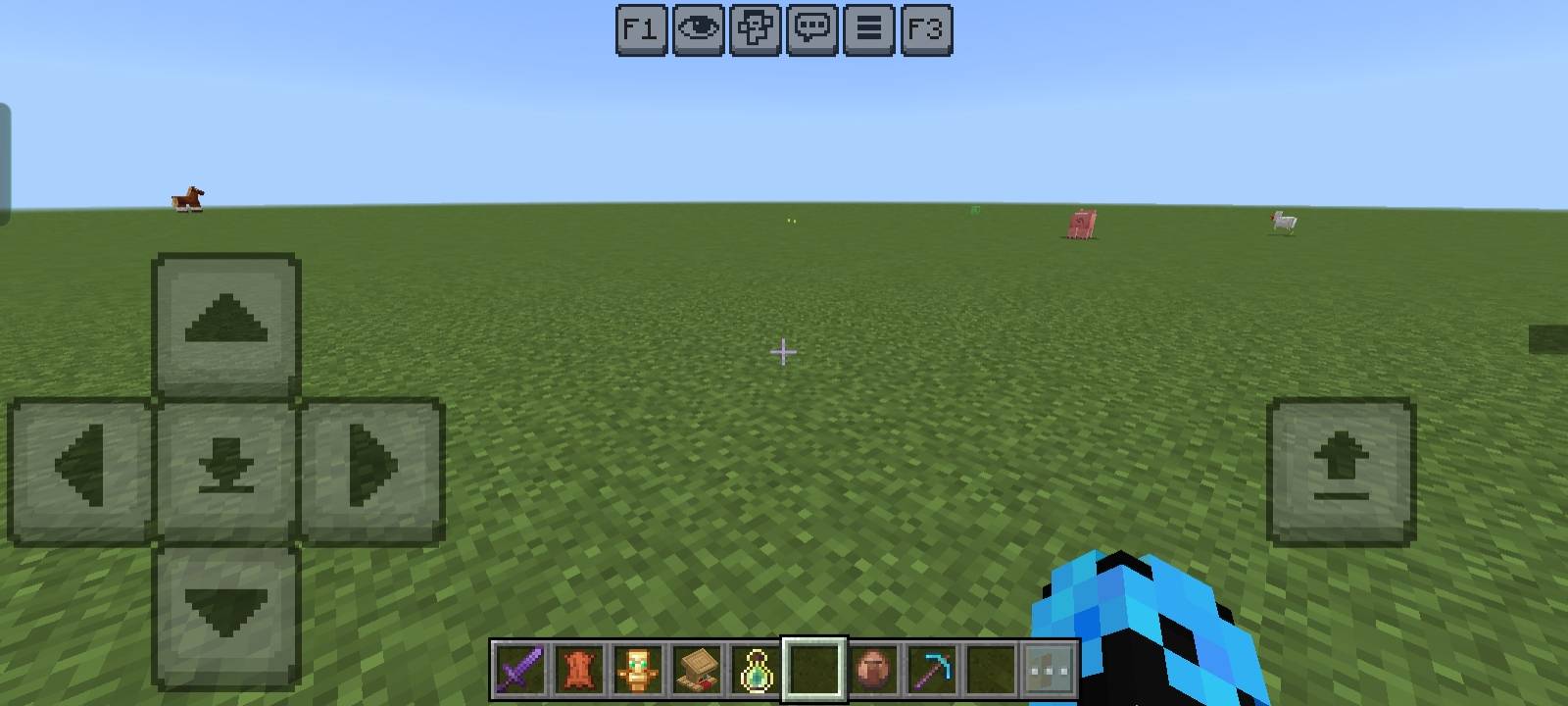
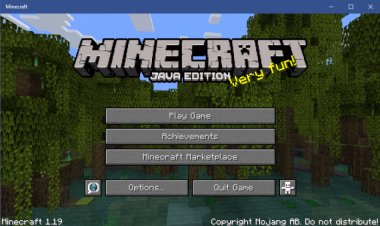
The F1 & F3 Button texture pack brings two of Java Edition's most useful features to Minecraft Bedrock. It adds convenient on-screen buttons that allow players to quickly hide the HUD (F1) or display useful debug information (F3) without needing keyboard shortcuts.
This is especially useful for content creators, screenshot enthusiasts, and players using touch devices who want quick access to important interface controls. The pack integrates naturally into Minecraft's existing UI and remains lightweight enough for everyday gameplay.
Features
- Adds F1 and F3 buttons
- Quick HUD toggle
- Easy access to debug information
- Perfect for screenshots and videos
- Lightweight and easy to use
Download
https://mcpedl.com/f1-f3-button/
2. FPS Optimizer | FPS Boost Official
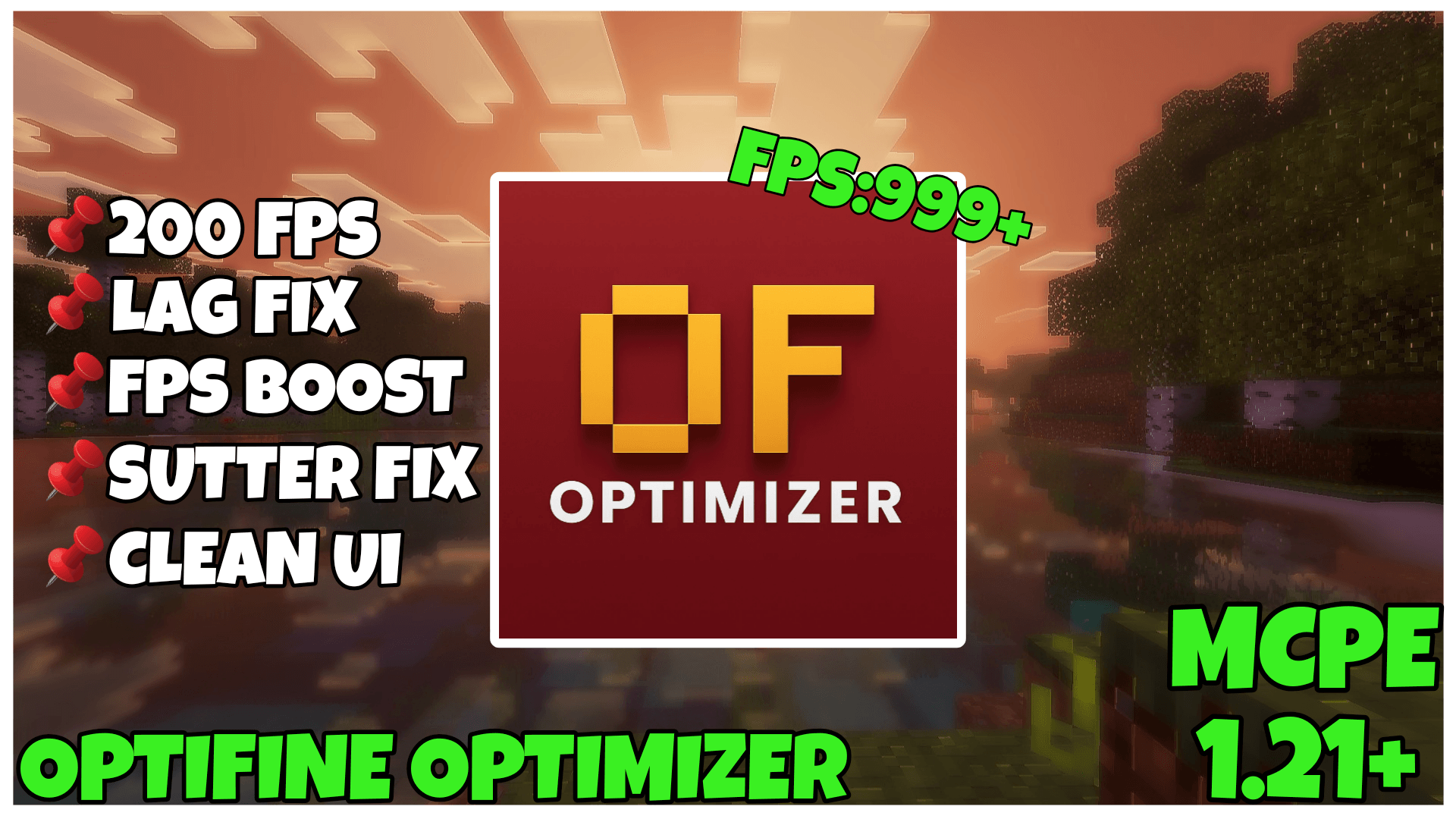
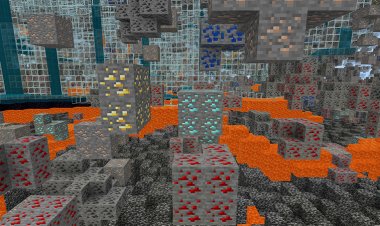
If you're experiencing lag or low frame rates, FPS Optimizer | FPS Boost Official is one of the best UI and optimization packs available for Minecraft Bedrock. Instead of changing gameplay, it optimizes visual elements and interface components to help improve overall performance on low-end and mid-range devices.
The pack is particularly useful for players on Android, tablets, or older PCs who want smoother gameplay while maintaining Minecraft's original appearance.
Features
- Improves overall FPS
- Optimized interface elements
- Lightweight resource pack
- Better gameplay performance
- Great for low-end devices
Download
https://mcpedl.com/fps-optimizer-fps-boost/
1. Ultimate Survival Texture Pack
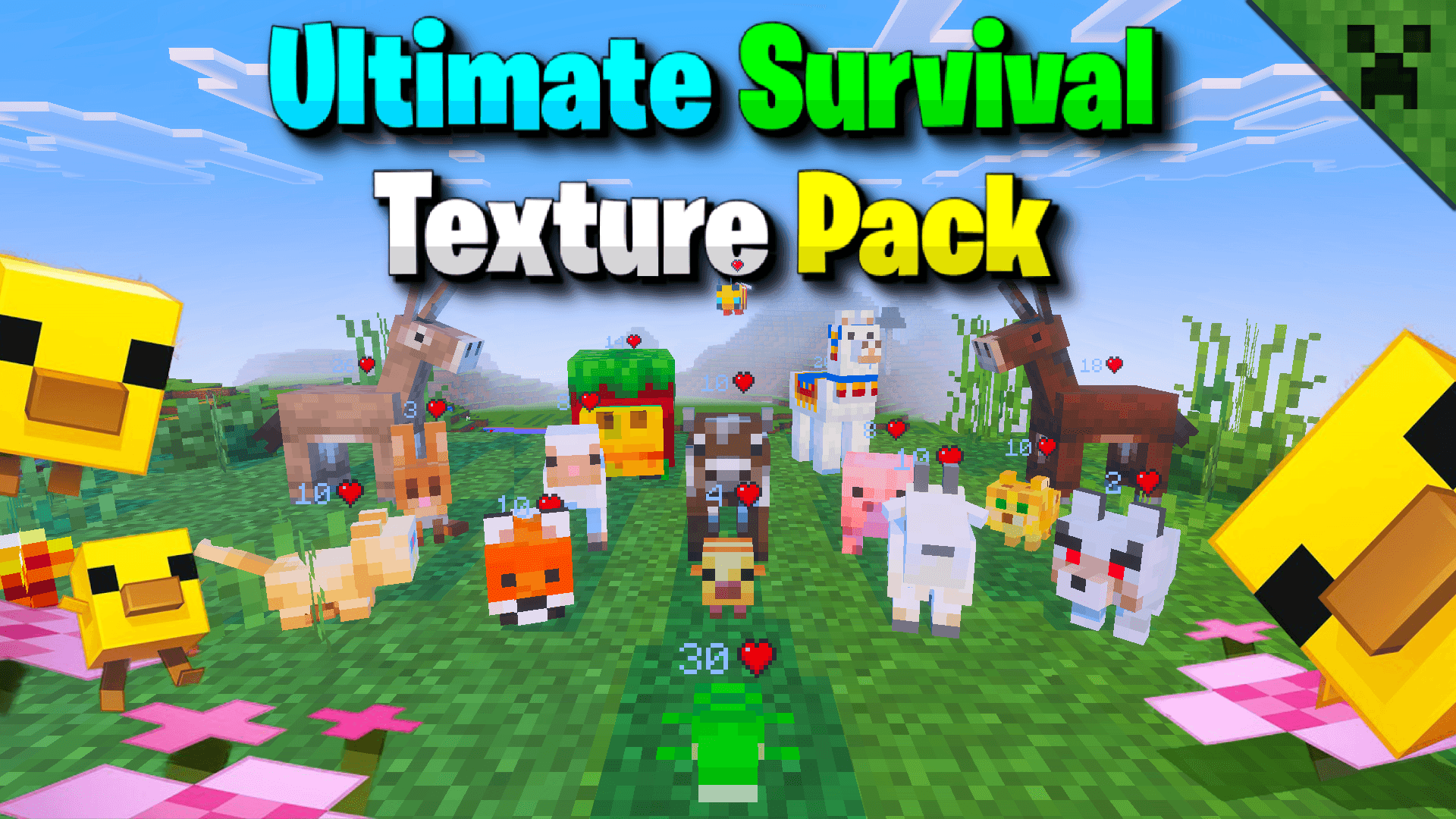
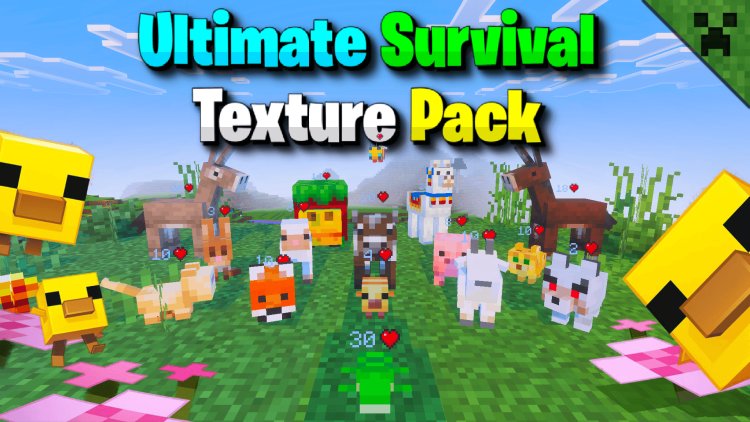
Taking the number one spot is the Ultimate Survival Texture Pack, a feature-packed UI resource pack designed specifically for survival players. It upgrades Minecraft's interface with useful HUD improvements that make exploring, mining, and surviving much easier.
The pack includes helpful indicators, cleaner interface elements, and various quality-of-life improvements that allow players to access important information without cluttering the screen. It's an excellent choice for both beginners and experienced survival players.
Features
- Improved survival HUD
- Cleaner user interface
- Helpful gameplay indicators
- Better quality-of-life features
- Compatible with Minecraft Bedrock 1.26.30
Download
https://mcpedl.com/ultimate-survival-texture-pack/
Why Use UI Texture Packs?
UI texture packs improve the way you interact with Minecraft without changing the game's mechanics. Instead of replacing blocks or adding new content, they enhance menus, buttons, HUD elements, and interface information to make gameplay smoother and more enjoyable.
Benefits include:
- Cleaner interface
- Better navigation
- Improved gameplay information
- Increased FPS on supported packs
- Better accessibility
- More enjoyable survival experience
Whether you're playing survival, creative, or multiplayer, a good UI texture pack can make everyday gameplay much more comfortable.
How to Install UI Texture Packs on Minecraft Bedrock
Installing UI texture packs is simple.
- Download your preferred texture pack using the links above.
- Open the downloaded
.mcpackfile. - Minecraft Bedrock Edition will automatically import the resource pack.
- Open Settings or Global Resources.
- Activate the UI texture pack.
- Restart your world if necessary and enjoy the upgraded interface.
Frequently Asked Questions (FAQ)
Which is the best UI texture pack for Minecraft Bedrock 1.26.30?
Ultimate Survival Texture Pack is one of the best overall choices because it improves the survival HUD while adding several useful quality-of-life features.
Does FPS Optimizer really improve performance?
Yes. FPS Optimizer is designed to reduce unnecessary visual load and optimize certain interface elements, helping many players achieve smoother gameplay, especially on lower-end devices.
What does the F1 & F3 Button texture pack do?
It adds convenient on-screen buttons that let you quickly hide the HUD or access debug-style information similar to Minecraft Java Edition.
Can I use these UI packs together?
Some UI texture packs can be combined, but because they modify similar interface files, conflicts may occur. It's generally recommended to use one primary UI pack at a time for the best experience.
Are these texture packs free?
Yes. All three texture packs featured in this article are available as free downloads.
Do these UI texture packs work on Minecraft Bedrock 1.26.30?
Yes. They are compatible with Minecraft Bedrock Edition 1.26.30 and support the latest Bedrock updates.