Top 3 REALISTIC Shaders for Minecraft Bedrock 1.26.30
 Asim_HeartxD
Top 3 REALISTIC Shaders for Minecraft Bedrock 1.26.30
Want to give your Minecraft Bedrock world a next-generation visual upgrade? Realistic shaders can completely transform the game by adding dynamic lighting, realistic shadows, vibrant skies, improved water, and immersive weather effects. Whether you're building massive cities, exploring survival worlds, or recording cinematic gameplay, the right shader pack can make Minecraft look better than ever.
We've selected the Top 3 REALISTIC Shaders for Minecraft Bedrock 1.26.30 that offer beautiful graphics, smooth performance, and compatibility with the latest Bedrock update. These shader packs are among the most popular choices for players looking to enhance their Minecraft experience.
Keywords: Minecraft Bedrock 1.26.30, Minecraft Bedrock Shaders, Best Shaders for Minecraft Bedrock, Realistic Minecraft Shaders, MCPE Shaders, Minecraft PE Shaders, Newb X Stars Shader, Vibrant Visuals Extreme, Dark Visuals Resource Pack, Bedrock Graphics, Minecraft 1.26.30 Shaders, Free Minecraft Shaders, Realistic Graphics, RenderDragon Shaders, Minecraft Visual Packs
3. Newb X Stars Shader
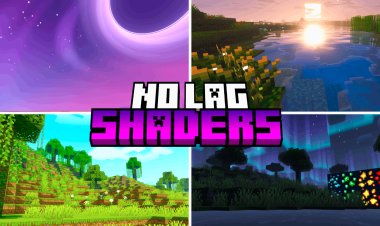
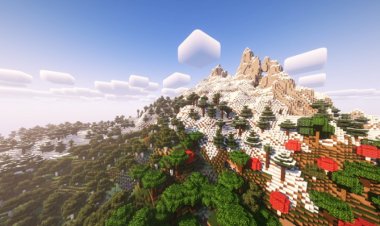
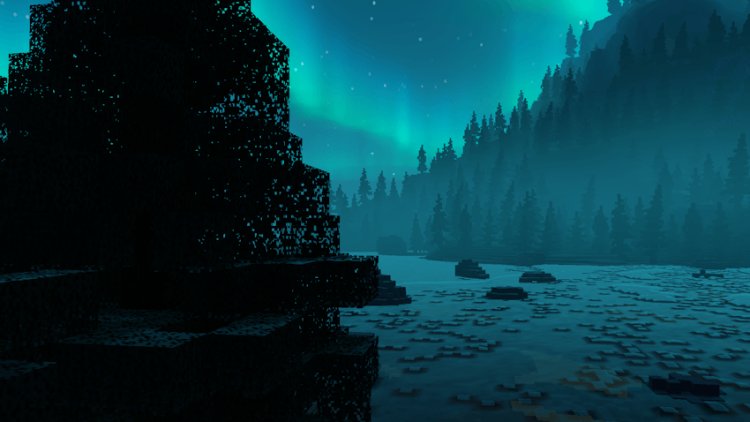
Newb X Stars Shader is one of the most beautiful shader packs available for Minecraft Bedrock Edition. Inspired by the beauty of space, it introduces colorful skies, realistic lighting, glowing blocks, waving plants, rippling water, and breathtaking sunsets. One of its biggest advantages is that it can still perform well on many low-end and mid-range devices while delivering impressive visuals.
If you love exploring at night, you'll especially enjoy the detailed star-filled sky, auroras, and shooting stars that make every adventure feel cinematic. The latest versions are compatible with Minecraft Bedrock 1.26.x.
Features
- Beautiful realistic lighting
- Dynamic clouds and colorful skies
- Waving plants and realistic water
- Aurora effects and shooting stars
- Optimized for many devices
Download
https://mcpedl.com/newb-x-stars/
2. Vibrant Visuals Extreme

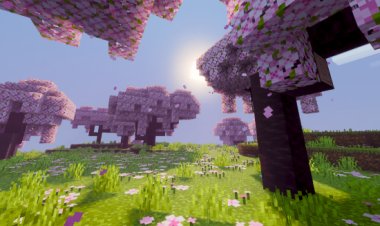
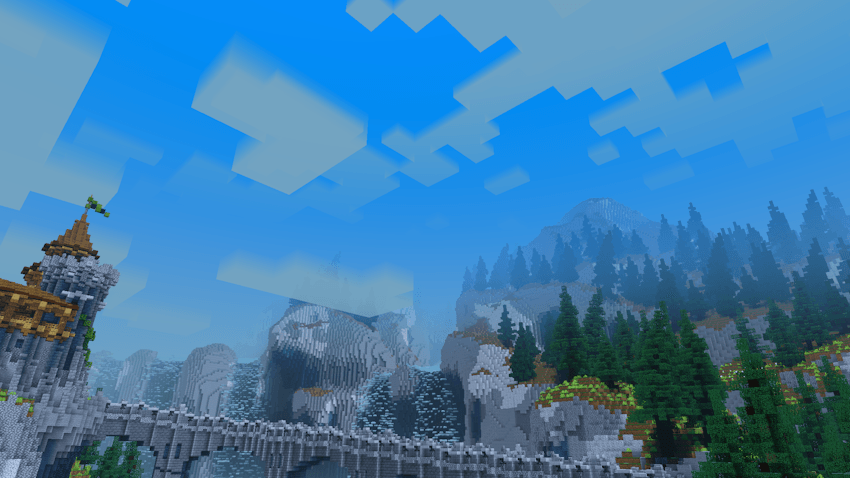
If you're looking for maximum realism, Vibrant Visuals Extreme delivers a stunning visual overhaul. It enhances Minecraft with richer lighting, improved shadows, vibrant colors, realistic reflections, and atmospheric weather effects that make every biome feel more alive.
From bright daytime landscapes to dramatic sunsets and darker nights, this shader pack creates a cinematic experience that's perfect for builders, explorers, and content creators who want high-quality graphics in Minecraft Bedrock.
Features
- Enhanced realistic lighting
- High-quality shadows
- Better reflections and atmosphere
- Rich colors and improved environments
- Excellent for screenshots and cinematic gameplay
Download
https://mcpedl.com/vibrant-visuals-extreme/
1. Dark Visuals Resource Pack
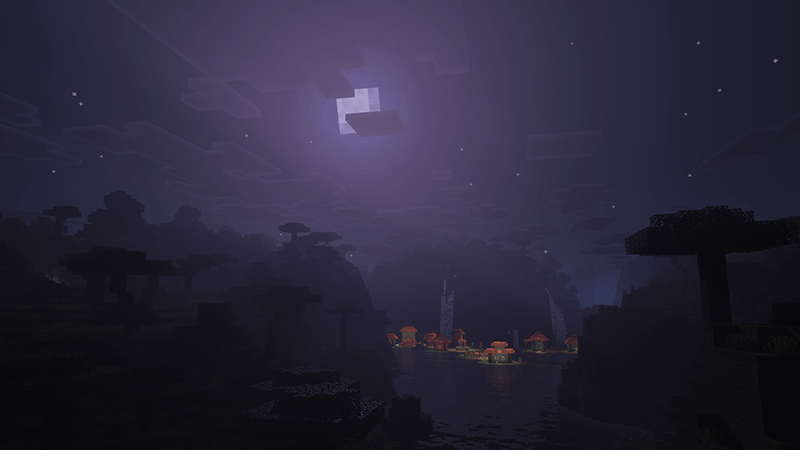
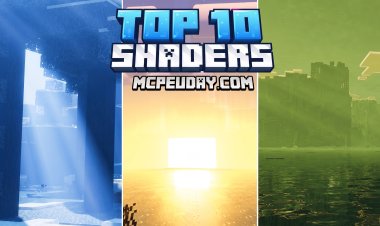
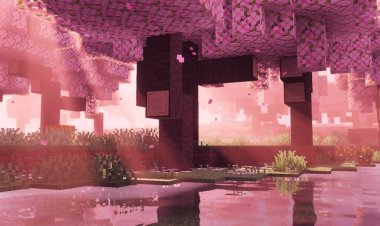
Taking the top spot is the Dark Visuals Resource Pack, a shader-style visual pack that gives Minecraft Bedrock a darker, more realistic atmosphere. It features enhanced lighting, deeper shadows, improved environmental effects, and cinematic color grading that completely changes the mood of your world.
Whether you're exploring caves, forests, or nighttime landscapes, Dark Visuals creates an immersive experience that feels both realistic and dramatic. It's an excellent choice for survival players who enjoy a darker visual style without changing Minecraft's gameplay mechanics.
Features
- Cinematic dark atmosphere
- Improved shadows and lighting
- Enhanced environmental effects
- Beautiful night-time visuals
- Compatible with Minecraft Bedrock 1.26.30
Download
https://mcpedl.com/dark-visuals-resource-pack/
Why Use Realistic Shaders?
Shaders completely transform the appearance of Minecraft Bedrock by improving lighting, shadows, skies, water, and environmental effects. Instead of changing gameplay, they focus on making the world feel more immersive and visually stunning.
Benefits include:
- Realistic lighting
- Better shadows
- Enhanced skies and weather
- Beautiful water reflections
- More immersive exploration
- Cinematic gameplay experience
Whether you're playing on Windows, Android, or iOS, these shader packs can dramatically improve your Minecraft adventures.
How to Install Shaders on Minecraft Bedrock
Installing shaders on Minecraft Bedrock is simple.
- Download your preferred shader using the links above.
- Open the downloaded
.mcpackfile. - Minecraft Bedrock Edition will automatically import the shader.
- Open Settings or Global Resources.
- Activate the shader pack.
- If required, enable compatible graphics settings such as Vibrant Visuals or RenderDragon support depending on the shader's instructions.
- Launch your world and enjoy realistic graphics.
Frequently Asked Questions (FAQ)
Which is the best realistic shader for Minecraft Bedrock 1.26.30?
Dark Visuals Resource Pack is an excellent choice for players who want a cinematic and immersive atmosphere, while Newb X Stars offers a great balance between beautiful visuals and performance.
Are these shaders free?
Yes. All three shader packs featured in this article are available as free downloads from their official MCPEDL pages.
Do shaders reduce FPS?
Some shaders require more powerful hardware and may reduce FPS, especially on older devices. Lightweight shaders like Newb X Stars are designed to balance visual quality with performance.
Can I use these shaders on Android?
Yes. These shader packs support Minecraft Bedrock on Android, Windows, and other compatible platforms, although some features may depend on your device and graphics support.
Do these shaders work with Minecraft Bedrock 1.26.30?
Yes. The featured shader packs are designed for recent Minecraft Bedrock 1.26.x versions, with Newb X Stars specifically updated for the 26.x series.
Do I need RTX to use these shaders?
No. Most of these shader packs do not require RTX hardware, although performance and visual quality may vary depending on your device.