Top 5 BEST Vibrant Visuals Shaders For Minecraft Bedrock 26.0
 mcpecentraladmin

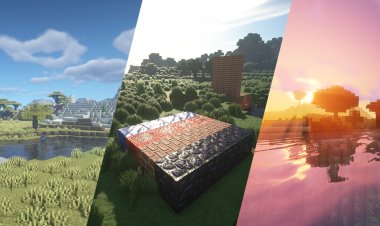
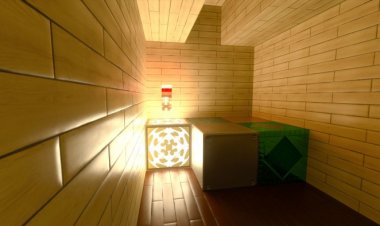
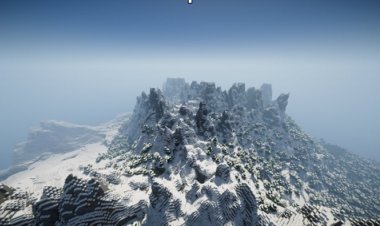
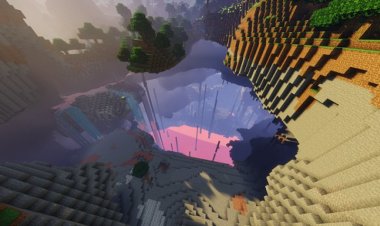
Looking for the best Vibrant Visuals shaders for Minecraft Bedrock 1.26.0? The new Vibrant Visuals rendering mode in Minecraft Bedrock allows modern shader-style resource packs to enhance lighting, fog, atmosphere, and color grading without needing RTX hardware. Many packs now use this system to deliver cinematic graphics, improved skyboxes, realistic fog, and smoother lighting transitions.
In this guide, we rank the Top 5 BEST Vibrant Visuals shader packs for Minecraft Bedrock 26.0, focusing on graphics quality, performance, compatibility, and popularity in the MCPE community.
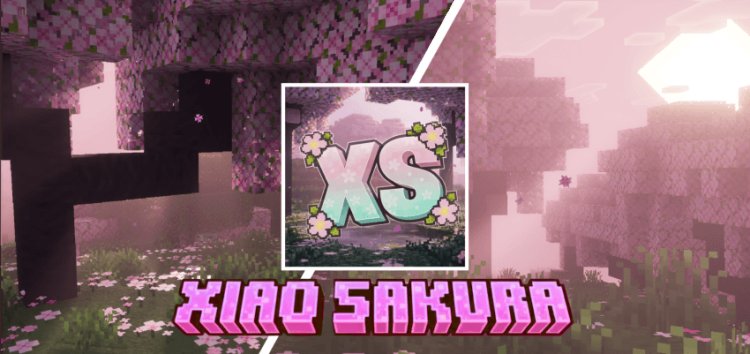
5. Xiao Sakura Shader
Download: https://mcpedl.com/xiao-sakura-shader/
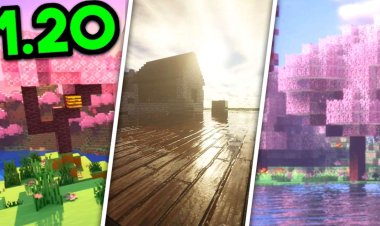
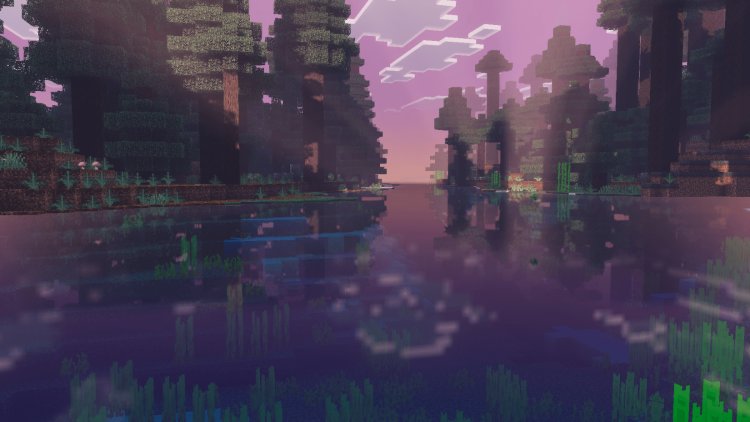
Xiao Sakura Shader is one of the most aesthetic Vibrant Visuals packs available. It focuses on soft cinematic lighting inspired by cherry blossom visuals, creating gentle fog, warm bloom effects, and immersive ambient colors.
The shader enhances forests and natural landscapes with pastel tones, smoother day-night transitions, and balanced brightness, making it ideal for survival worlds and scenic builds. Updates have improved lighting behavior and fog density to create a calmer and more natural atmosphere.
Best for:
-
Relaxed visual style
-
Survival gameplay immersion
-
Balanced performance on most devices
4. Monster Shader
Download: https://mcpedl.com/monster-shader/
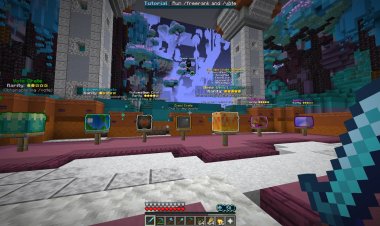
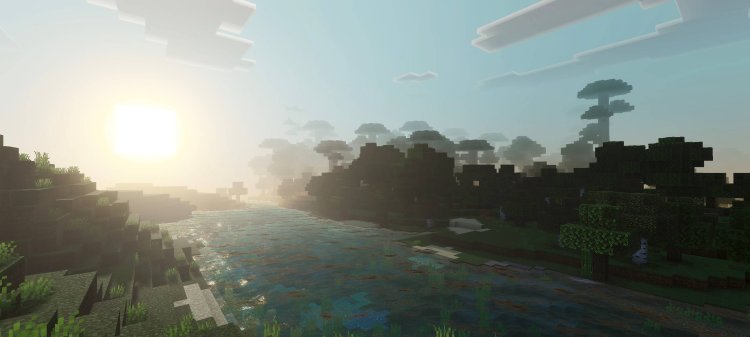
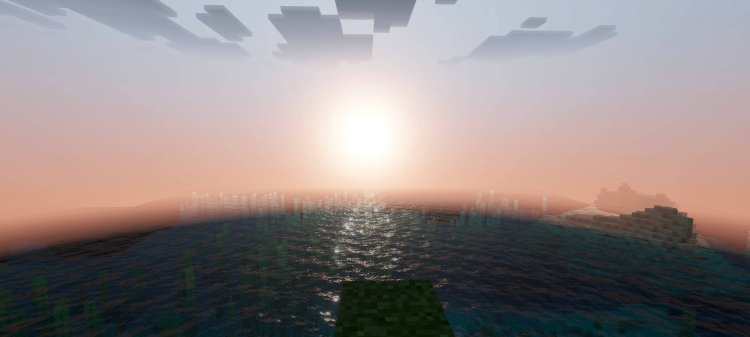
Monster Shader is designed for players who want stronger visual contrast and more dramatic lighting. It enhances shadows, environmental colors, and atmospheric depth to give Minecraft Bedrock a bold cinematic look.
This shader works well for adventure maps, horror-style worlds, or PvE gameplay because darker caves, stronger highlights, and deeper fog improve environmental storytelling.
Best for:
-
Dramatic lighting
-
Adventure/horror maps
-
Players wanting noticeable visual upgrades
3. Wandrers Visual Pack
Download: https://mcpedl.com/wandrers-visual-pack/
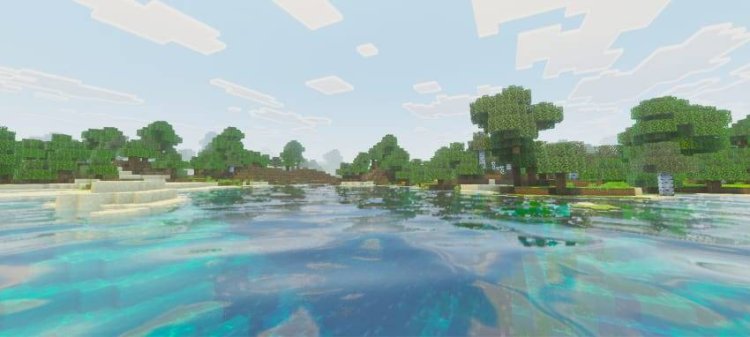
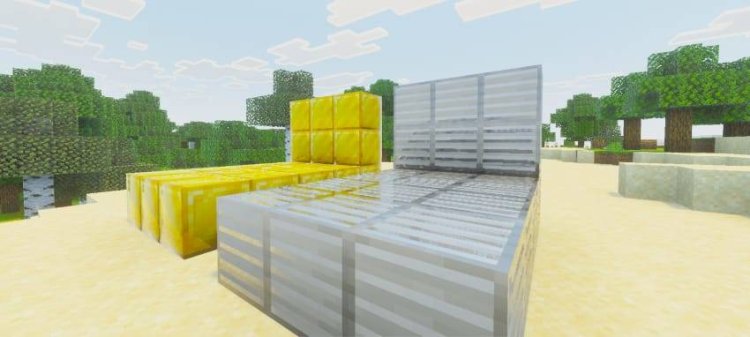
Wandrers Visual Pack delivers a clean and polished Vibrant Visuals experience while keeping the vanilla feel intact. Instead of heavy bloom or aggressive fog, it focuses on improving natural lighting, sky color, and environmental atmosphere.
The result is a shader that feels like Minecraft but upgraded, making it perfect for long-term survival worlds or multiplayer servers where performance stability matters.
Best for:
-
Vanilla-friendly visuals
-
Multiplayer compatibility
-
Smooth performance
2. Newb X Dawn
Download: https://mcpedl.com/newb-x-dawn/
Newb X Dawn is widely known as one of the most advanced visual packs adapted for modern Bedrock rendering systems. It offers enhanced sunlight, realistic sky gradients, atmospheric fog, improved water visuals, and high-quality color correction.
This shader is ideal for players who want Java-style shader visuals in Bedrock Edition while keeping the game playable on mobile and mid-range devices.
Best for:
-
Realistic lighting
-
High visual fidelity
-
Cinematic screenshots and videos
1. Luma Shade Vibrant Visuals Pack

Download: https://mcpedl.com/luma-shade-vibrant-visuals-pack/
Luma Shade Vibrant Visuals Pack takes the #1 spot thanks to its polished cinematic presentation and consistent performance. It adds soft bloom, warm lighting, atmospheric fog, and subtle god-ray style lighting to create a smooth and immersive world.
The shader is specifically built for the new Vibrant Visuals mode and supports multiple Bedrock platforms including mobile, console, and Windows devices.
Unlike many heavy shader packs, Luma Shade focuses on visual consistency, meaning your world looks better in every biome, not just specific environments.
Best for:
-
Best overall Vibrant Visuals shader
-
Cinematic lighting without heavy lag
-
Cross-platform compatibility
How To Install Vibrant Visuals Shaders In Minecraft Bedrock
-
Download the
.mcpackfile from any link above -
Open the file to import into Minecraft
-
Go to Settings → Global Resources or World Resources
-
Enable the shader pack
-
Turn on Vibrant Visuals in graphics settings
Most modern shader packs require Vibrant Visuals enabled to function correctly.