Top 3 Vibrant Visuals Shaders For Minecraft Bedrock (2026)
 mcpecentraladmin
Top 3 Vibrant Visuals Shaders For Minecraft Bedrock (2026)
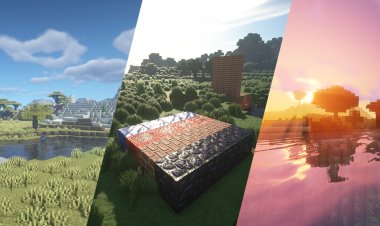
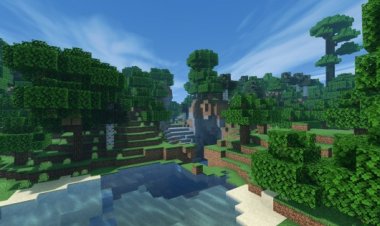
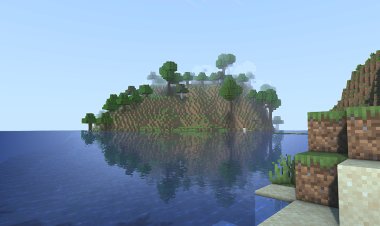
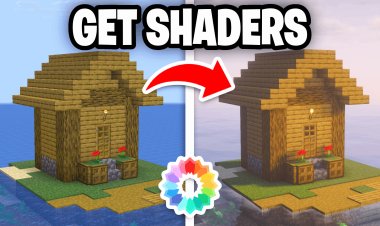
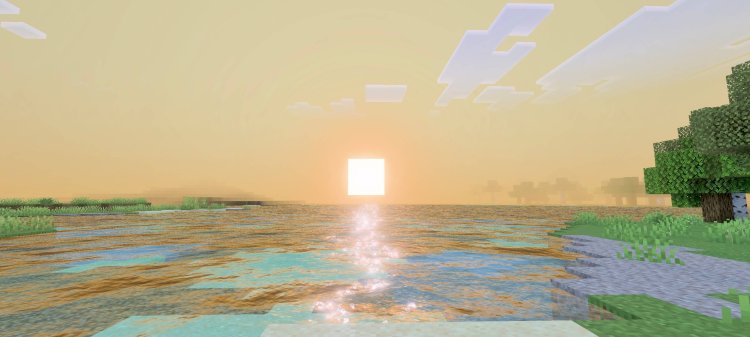
If you're trying to transform Minecraft Bedrock into a cinematic, ultra-realistic, and vibrant experience, Vibrant Visuals shaders are the way to go. These shaders enhance lighting, shadows, water, sky, and overall atmosphere, making your world look like a completely different game.
1. Luca Eye Shader (Best Overall Vibrant Visuals Shader)
Download: https://mcpedl.com/luca-eye/
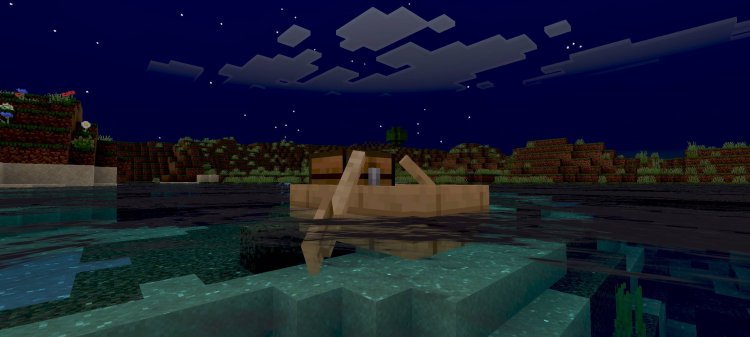
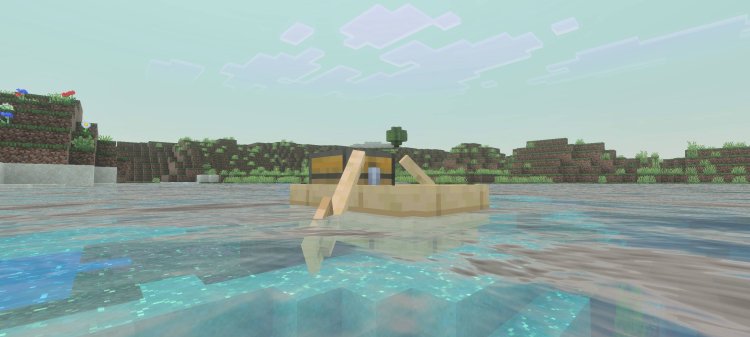
Luca Eye Shader stands out as one of the most unique Vibrant Visuals shaders available. It blends stylized visuals with realistic lighting, giving your world a clean but cinematic appearance.
Key Features:
- Enhanced sky lighting and smooth color transitions
- Stylized visuals with realistic shading
- Balanced shadows for better visibility
- Optimized for low-end and mid-range devices
This shader is ideal for creators and survival players who want a distinct look without sacrificing performance.
Best For: Balanced performance and visual quality
2. Mystica Shaders (Best Atmospheric Shader)
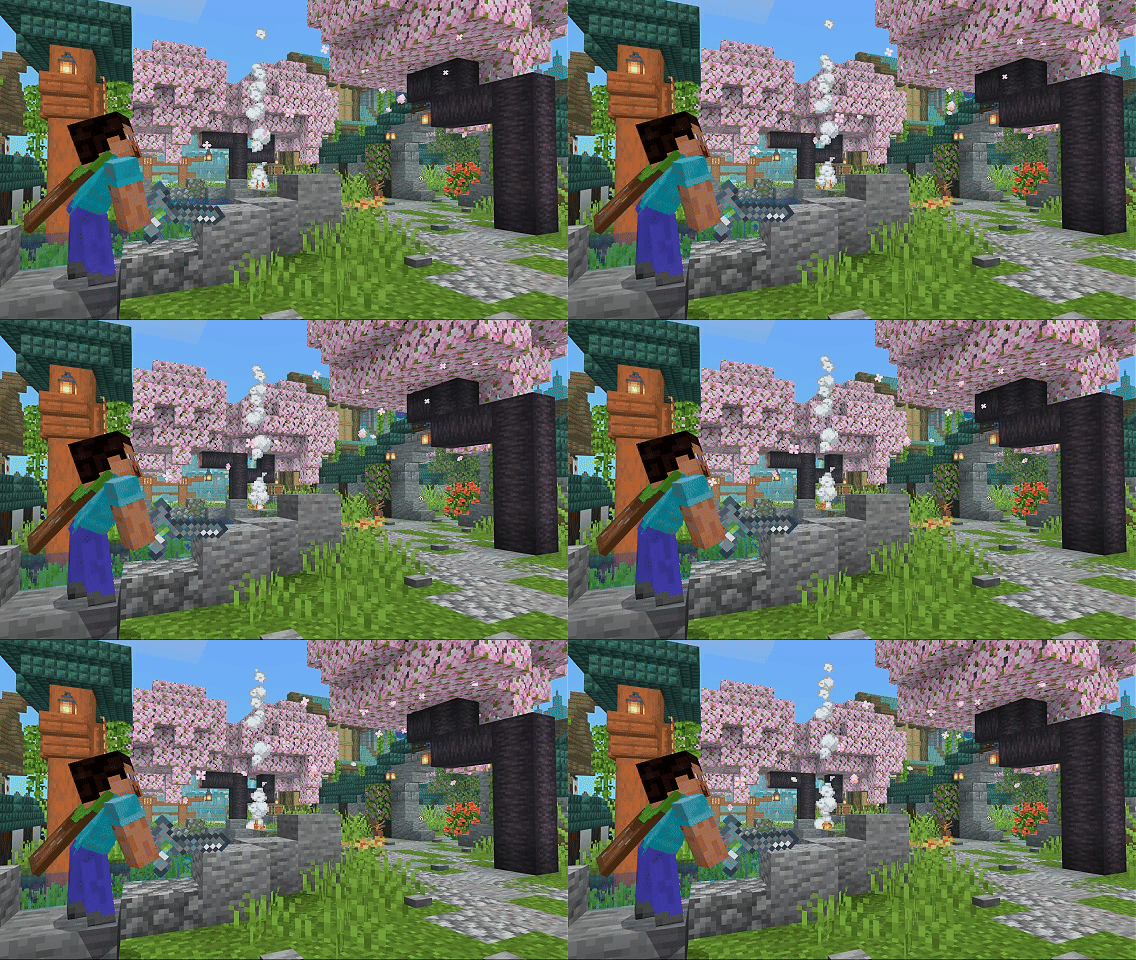
Download: https://mcpedl.com/mystica-shaders/
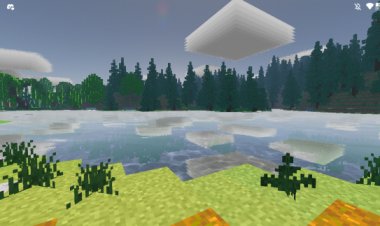
Mystica Shaders focuses on creating a deep, immersive atmosphere using fog, particles, and biome-specific effects.
Key Features:
- Dynamic fog and environmental effects
- Custom particles for added immersion
- Improved Nether and End visuals
- Lightweight performance impact
This shader transforms Minecraft into a fantasy-style experience, making exploration feel more alive.
Best For: Atmospheric and immersive gameplay
3. Better Vibrant Visuals Shader (Best Realistic Upgrade)
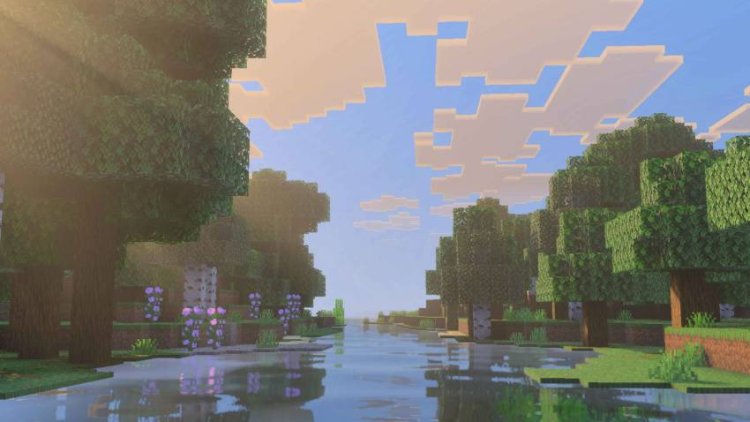
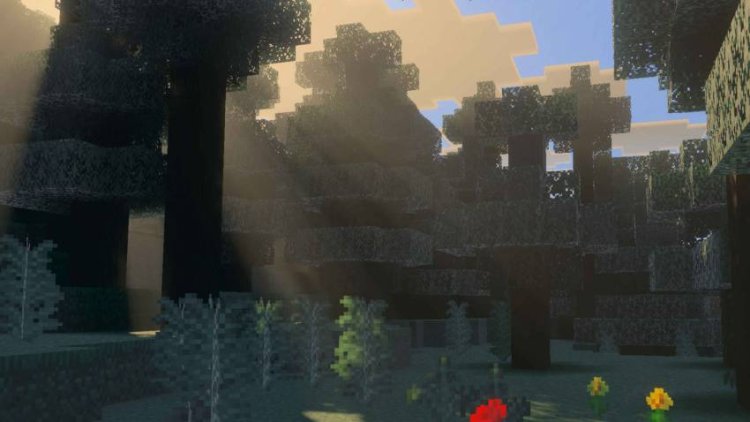
Download: https://mcpedl.com/bettervibrantvisuals/
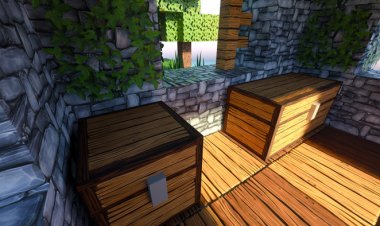
Better Vibrant Visuals Shader enhances the base Vibrant Visuals system with stronger realism and richer colors.
Key Features:
- Improved water reflections and wave effects
- Enhanced lighting and sun rays
- More vibrant colors and sky rendering
- Clean visual upgrade without changing core gameplay
This is the best choice if you want realistic graphics while keeping the original Minecraft feel intact.
Best For: Realistic visuals and clean upgrades
How To Install Vibrant Visuals Shaders (Minecraft Bedrock)
Follow these steps to install any shader:
Step-by-Step Tutorial:
- Download the shader using the links above
- Open the .mcpack file
- Minecraft will automatically import the shader
- Go to Settings → Global Resources
- Activate the shader pack
- Enable Vibrant Visuals or Deferred Rendering in video settings
- Restart Minecraft if needed
Why Use Vibrant Visuals Shaders?
Vibrant Visuals shaders improve multiple aspects of Minecraft Bedrock:
- Lighting and shadow realism
- Water reflections and animations
- Sky, clouds, and weather effects
- Overall immersion and visual quality
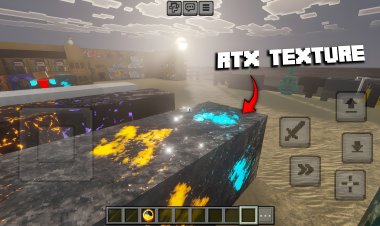
These shaders are designed to work with the newer Bedrock rendering system, allowing players to achieve high-end visuals without RTX hardware.
Final Ranking
- Luca Eye Shader – Best overall performance and visuals
- Mystica Shaders – Best for atmosphere and immersion
- Better Vibrant Visuals Shader – Best for realistic upgrades
Disclaimer
This article is transformative and intended for educational purposes. Always download shaders using the official MCPEDL links provided to support the original creators.